 Jobboy

Why Syncing Your LinkedIn Profile and Resume Matters in 2026
In today's competitive job market, recruiters often review both your LinkedIn profile and resume within minutes of each other. Aligning these two platforms creates a unified personal brand that boosts visibility, builds trust, and increases the likelihood of moving forward in the hiring process. Job seekers who maintain consistency across both see higher engagement rates because recruiters can quickly verify skills, experiences, and achievements without confusion. Search intent for this topic focuses on practical strategies for keyword matching, visual alignment, achievement highlighting without repetition, and avoiding common pitfalls that could derail applications. This comprehensive guide provides step-by-step processes, detailed checklists, industry-specific examples, and expanded FAQs to help you create a seamless presence that stands out in 2026.
Ensuring Keyword Consistency Across Platforms
ATS systems and LinkedIn search algorithms prioritize the same industry-specific keywords extracted from job descriptions. Begin by analyzing multiple postings in your target field to identify recurring terms such as "project management," "data analysis," "customer relationship management," or "cloud infrastructure." Incorporate these naturally into your resume summary, experience bullets, and skills section, then mirror them in your LinkedIn headline, about section, and experience descriptions. Effective profiles repeat core phrases in contextual sentences, while ineffective ones rely on mismatched synonyms or buzzwords that dilute relevance. For instance, a marketing role might require "content strategy" on both platforms rather than alternating between "blog writing" and "social content creation." Update both documents quarterly or after major projects to reflect evolving market demands and new tools like AI-driven analytics platforms. This consistency helps your profile appear in recruiter searches and passes automated screenings more reliably.
Optimizing Profile Photos, Headlines, and Summaries
Your LinkedIn profile photo should convey the same professionalism as any resume headshot, using a high-resolution image with appropriate attire and a clean background. The headline must include your target job title along with a concise value proposition, directly mirroring the professional summary on your resume. The summary section on LinkedIn allows for more narrative depth—expand on resume bullet points with additional context or recent accomplishments, but never copy text verbatim to avoid redundancy. Add relevant media such as project links or presentations to enrich the story while keeping the core message aligned. Test readability by having a peer review both versions for tone and clarity.
Highlighting Achievements Without Duplication
Quantifiable results strengthen both documents, but presentation must vary to prevent duplication. On your resume, keep bullets concise and metric-focused; on LinkedIn, incorporate brief stories, metrics with context, or attached media like reports and videos. This layered approach reinforces impact without repeating identical phrasing. For example, a sales achievement might appear as "Exceeded quarterly targets by 25%" on the resume and as a short paragraph about the strategy used on LinkedIn.
Step-by-Step Synchronization Process
Follow this detailed process to align your materials effectively: First, conduct a full audit of both documents for accuracy, dates, and titles. Second, extract top skills, keywords, and achievements from your resume and map them to LinkedIn sections. Third, rewrite LinkedIn content to reflect resume structure using varied wording and added depth where space allows. Fourth, cross-check every employment entry for matching dates, responsibilities, and company names. Fifth, run test searches using recruiter keywords on LinkedIn to confirm visibility. Sixth, set appropriate privacy controls and enable the open-to-work feature if actively job hunting. Finally, schedule a monthly review to incorporate feedback from applications or networking.
Common Mismatches to Avoid
Prevent these frequent errors that frustrate recruiters: inconsistent job titles or employment dates that raise red flags; overuse of buzzwords on one platform while omitting them on the other; outdated contact details or portfolio links; privacy settings that hide experience sections from public view; and mismatched skill endorsements versus listed competencies. Each mismatch can reduce response rates and damage credibility in a fast-paced 2026 hiring environment.
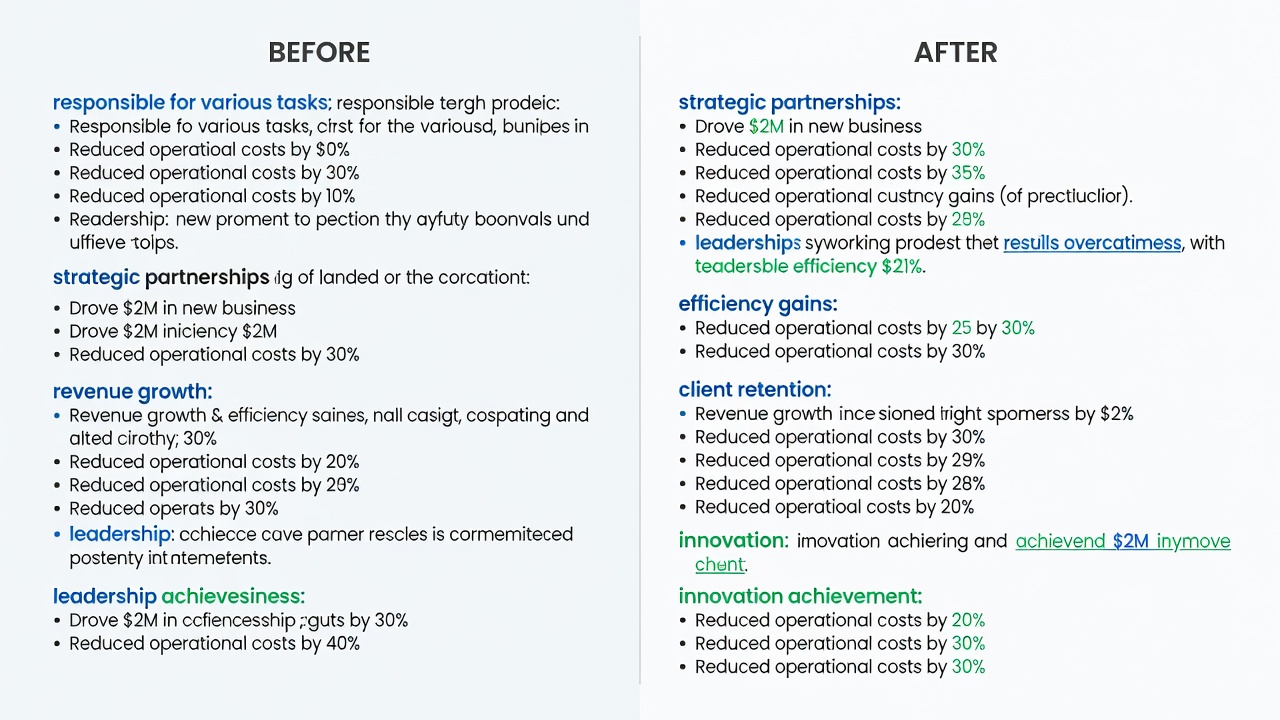
Before-and-After Alignment Examples
Marketing Professional: Before alignment, the resume stated "managed campaigns" while LinkedIn used "handled social media," creating confusion. After, both platforms consistently reference "Led integrated marketing campaigns resulting in 40% engagement growth and three new client acquisitions."
Software Engineer: Previously vague language like "worked on apps" appeared differently across documents. Post-alignment, both highlight "Developed scalable applications using Python and AWS, improving system efficiency by 30%."
Finance Analyst: Inconsistent metrics were standardized to "Analyzed financial data to support $2M budget decisions" on the resume and expanded with process details on LinkedIn.
Healthcare Administrator: Alignment shifted from generic duties to specific outcomes like "Streamlined patient intake processes, reducing wait times by 25%" across both.
Practical Checklists for Job Seekers
Use this expanded checklist before every application round: Verify keyword overlap between documents and target job posts; confirm professional photo and headline consistency; ensure achievement metrics match exactly in value but differ in wording; review dates and titles for precision; adjust LinkedIn visibility settings for recruiter access; test mobile and desktop views of your profile; gather feedback from a mentor; and track application response rates over two weeks to identify further tweaks needed.
FAQs on Privacy Settings and Updates
How do I manage privacy while syncing platforms? Adjust LinkedIn visibility to allow recruiter searches while keeping changes private from your current network. Use the "Open to Work" banner selectively and control who sees your profile photo and activity.
How often should I update both documents? Review after every role change, certification, or major project. Quarterly audits help maintain relevance in dynamic industries.
What privacy risks exist with frequent updates? Frequent public edits can signal job searching to your employer; use private mode for edits and limit notifications.
Can I use different contact information? No—ensure email, phone, and portfolio links match exactly to prevent missed opportunities.
Additional guidance is available from authoritative sources such as LinkedIn, Indeed, and Glassdoor.
Conclusion
Consistent syncing of your LinkedIn profile and resume strengthens your personal brand, improves recruiter engagement, and positions you competitively in the 2026 job market. Implement these best practices, leverage the checklists, and apply the examples to maximize results and secure more interviews.


No comments yet. Be the first!