 Jobboy
Introduction: Why VR Interviews Matter in 2026
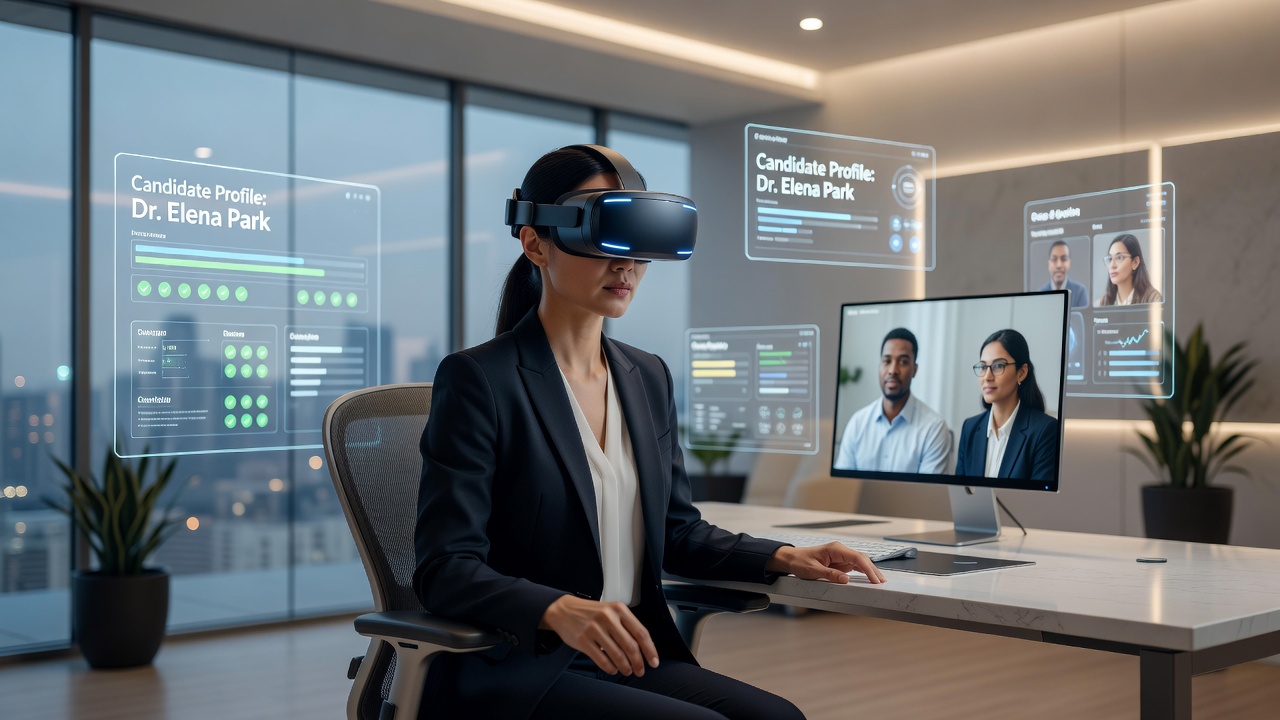
The job market in 2026 has shifted dramatically toward immersive technologies, with many employers adopting virtual reality platforms to conduct interviews. This evolution allows recruiters to assess candidates in simulated environments that mirror real workplace scenarios, providing deeper insights into how individuals interact, solve problems, and collaborate under pressure. Job seekers who prepare thoroughly can leverage these tools to demonstrate skills beyond what traditional video calls reveal, turning potential disadvantages into clear competitive edges. Understanding the search intent behind VR interview preparation means recognizing that candidates seek actionable strategies, not just theory, to navigate this new hiring landscape confidently.
The Rise of VR Platforms Among Employers
Employers across tech, finance, healthcare, and creative industries increasingly use VR to evaluate soft skills like collaboration and problem-solving in dynamic settings. Platforms from major companies enable hiring teams to host candidates in virtual offices or training simulations where real-time decision-making can be observed. This trend reflects broader adoption of spatial computing, making preparation essential for competitive roles in fields ranging from engineering to customer service. Companies report higher retention rates when hires demonstrate comfort in immersive environments, which is why VR interviews have moved from novelty to standard practice in forward-thinking organizations.
Compared to standard video interviews, VR experiences demand stronger presence and spatial awareness. Candidates must navigate 3D spaces while maintaining eye contact through avatars, which adds layers of complexity but also opportunities to showcase creativity and adaptability that flat video formats often miss.
Tech Setup Requirements for Seamless VR Interviews
A reliable setup forms the foundation of success. Start with a compatible VR headset such as Meta Quest series or Apple Vision Pro equivalents. Ensure your computer meets minimum specifications including high-speed internet (at least 50 Mbps) and updated graphics drivers. Poor connectivity can derail even the most prepared candidate, so test your network thoroughly in advance. Create a dedicated interview space that minimizes distractions and allows free movement within the virtual environment.
- Calibrate tracking sensors in a well-lit, clutter-free room measuring at least 6x6 feet.
- Test microphone and speakers for clear audio without echo or latency issues.
- Update all software and firmware 24 hours before the interview to avoid compatibility problems.
- Have a backup device ready in case of hardware failure, including a charged power bank for wireless headsets.
- Verify avatar customization options match professional attire guidelines provided by the employer.
- Install any required plugins or apps on secondary devices for quick troubleshooting.
Practicing Body Language and Virtual Presence
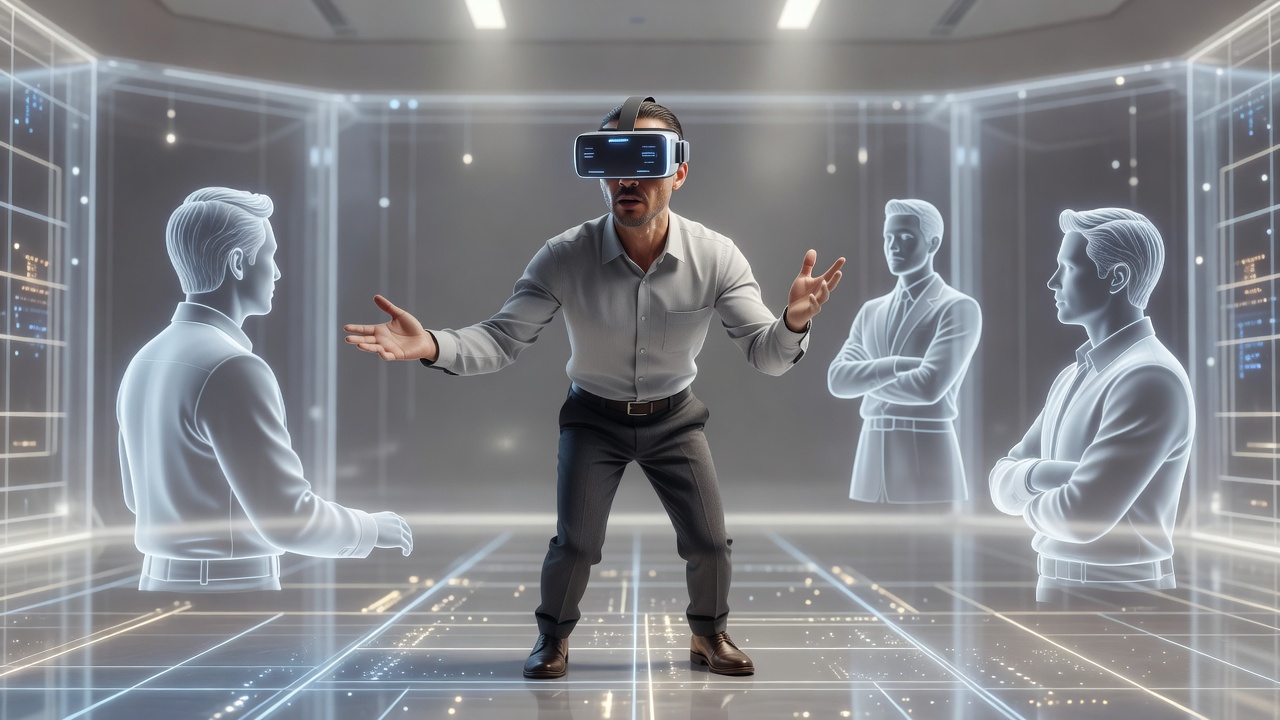
In VR, nonverbal cues translate through avatar movements, so rehearse gestures that convey confidence without exaggeration. Stand tall, use purposeful hand motions within the tracked area, and maintain virtual eye contact by looking directly at the interviewer's avatar. Record practice sessions to review posture and eliminate fidgeting that appears exaggerated in immersive views. Advanced candidates often use mirror mode features in VR apps to self-correct in real time.
Rehearsal exercises include role-playing common questions in a virtual meeting room while focusing on spatial navigation, such as moving naturally between presentation boards. This builds muscle memory for natural interactions. Practice entering and exiting virtual spaces smoothly, as awkward transitions can signal inexperience. Incorporate breathing techniques to manage any motion discomfort during longer sessions.
Handling Technical Glitches Like a Pro
Glitches happen even with preparation. Stay calm if tracking drifts or audio cuts out—inform the interviewer immediately and suggest a quick reset. Have troubleshooting steps memorized: restart the app, check connections, or switch to a fallback video link provided in advance. Document common issues from practice runs so you can address them proactively. In one documented case, a candidate turned a brief disconnection into an opportunity by explaining their systematic troubleshooting approach, impressing the panel with resilience.
Recommended VR Tools and Platforms
Popular options include Meta's Horizon Workrooms for collaborative interviews and Microsoft Mesh for enterprise simulations. Explore free trial environments to familiarize yourself with interfaces before the big day. For additional guidance on emerging tech standards, consult resources from Meta, Microsoft, and Apple. These platforms often provide tutorials and community forums where users share interview-specific tips.
Real-World Examples from Successful Candidates
One software engineer secured a role at a leading AR firm by practicing avatar navigation in public VR spaces beforehand, allowing her to demonstrate product prototypes fluidly during the actual interview. Another candidate in marketing impressed recruiters by demonstrating product pitches within a virtual showroom, highlighting adaptability that video interviews could not capture. A third example comes from a project manager who used VR to simulate team conflict resolution scenarios, earning praise for proactive leadership displayed in the immersive setting. These stories illustrate how targeted preparation translates directly into job offers.
Step-by-Step Checklist for VR Interview Day
- Review the invitation for platform details and time zone confirmation at least 48 hours ahead.
- Perform a full system test two hours prior, including avatar adjustments and movement calibration.
- Dress professionally from the waist up and ensure your virtual avatar matches company culture expectations.
- Prepare questions that reference the immersive environment to show genuine engagement.
- Follow up with a thank-you message referencing specific VR interactions to reinforce your presence.
- Log out gracefully after the session and note any feedback for future improvement.
Comparison: VR vs Traditional Video Interviews
Video calls focus on facial expressions and verbal answers, while VR adds spatial and collaborative elements that reveal how candidates handle complex, three-dimensional tasks. VR interviews often last longer and test multitasking in simulated environments, such as navigating virtual whiteboards or interacting with digital objects. Preparation time increases significantly, but the payoff includes higher engagement from recruiters seeking innovative thinkers who can thrive in next-generation workplaces. The added depth helps employers reduce mis-hires by observing real-time adaptability.
Common Mistakes to Avoid
Many candidates overlook avatar customization, arriving in mismatched clothing that undermines professionalism. Others fail to account for physical space limitations, leading to clipped gestures or accidental exits from the virtual room. Avoid over-relying on notes outside the VR interface, as this breaks immersion. Instead, integrate reference materials into the virtual environment itself when possible.
FAQ
What if I don't own a VR headset?
Many companies provide loaner devices or cloud-based access options. Inquire early during the scheduling process and practice on public demos at tech stores or libraries to build baseline familiarity.
How long should I practice beforehand?
Dedicate at least 10 to 15 hours spread over two weeks, combining solo rehearsals with mock sessions using friends or career coaches who can provide constructive feedback on presence.
Are VR interviews more stressful?
They can feel immersive and intense initially, but strong preparation reduces anxiety by building familiarity with the technology and environment, often making the experience more engaging than traditional formats.
Can I use a smartphone-based VR setup as backup?
While basic phone VR works for casual practice, most professional interviews require dedicated headsets with full tracking; confirm requirements directly with the recruiter to avoid last-minute issues.
Conclusion
Mastering VR job interviews positions you ahead in the 2026 market by combining technical readiness with polished virtual presence. By addressing tech requirements, body language, and contingencies with structured practice and real-world examples, candidates transform these experiences into standout opportunities. Start implementing these strategies today to build confidence and secure your next role in an increasingly immersive hiring world.

No comments yet. Be the first!