 Jobboy

Introduction
Job seekers in 2026 face a hybrid interview landscape where both in-person and virtual formats remain common across industries. Understanding the distinct preparation requirements for each helps candidates perform confidently and avoid costly mistakes that could cost them opportunities. This comprehensive guide breaks down the key differences across technology, nonverbal communication, setting management, and question delivery while offering actionable steps, real-world examples, and decision-useful details. Whether you are preparing for your first role or advancing in your career, mastering these nuances can significantly improve your success rate in both formats.
Technology Setup for Virtual Interviews
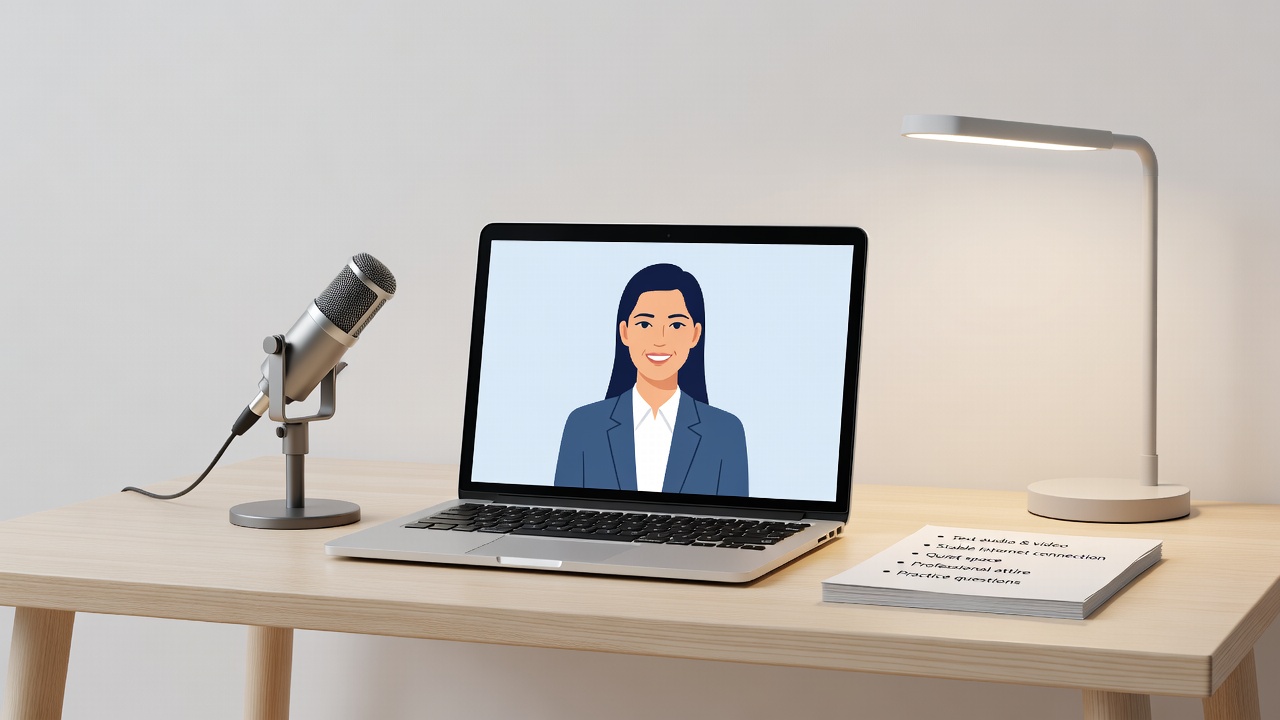
Virtual interviews demand reliable hardware and software that many candidates overlook until the last minute. Test your camera, microphone, and internet connection at least 24 hours in advance using the exact platform specified by the employer. Use a wired connection when possible and keep a backup mobile hotspot ready in case of outages. Choose platforms like Zoom or Microsoft Teams and familiarize yourself with features such as screen sharing, virtual backgrounds, and recording options. Ensure your device is fully charged and have chargers accessible. Many candidates fail because they assume their home Wi-Fi will suffice, but real-world examples show that sudden drops during salary discussions lead to rescheduled interviews and lost momentum. Position your camera at eye level to simulate natural eye contact and use external lighting to avoid shadows that can make you appear unprofessional.
Body Language Adjustments
In-person interviews allow full physical presence where recruiters observe posture, handshakes, and overall energy from the moment you enter the room. Virtual ones limit visibility to the upper body, requiring deliberate adjustments to convey confidence. Sit upright with shoulders relaxed, maintain eye contact by looking directly at the camera rather than the screen, and use hand gestures sparingly within the frame to emphasize points without distraction. Practice recording yourself answering common questions to refine posture and facial expressions. A real-world example involves a candidate who leaned too close to the camera during a virtual panel interview, appearing aggressive and ultimately losing the offer to a more composed competitor. In contrast, in-person settings reward natural movements like leaning forward slightly when discussing achievements.
Environment Control
Controlling your surroundings for virtual meetings involves selecting a quiet, well-lit space with a neutral background free of personal clutter or distractions. Remove pets, family members, and background noise by informing household members in advance and using a do-not-disturb sign. Test audio for echoes and consider investing in a simple microphone if your built-in one picks up ambient sounds. In-person interviews shift the focus to travel planning, professional attire coordination, and arrival etiquette, such as arriving 10-15 minutes early to demonstrate punctuality. Candidates who neglect environment control often face interruptions that derail their responses, as seen in cases where a delivery person knocked during a critical behavioral question.
Question Delivery Variations
Virtual formats often compress time slots, so candidates must keep answers concise yet complete, typically under two minutes per response. In-person settings allow more natural pauses and follow-up clarifications from the interviewer. Adapt the STAR method by emphasizing results early in virtual calls to maintain engagement. For example, when asked about leadership experience, start with the outcome before detailing the situation to keep the interviewer's attention on a small screen.
Behavioral Interview Adaptations
Behavioral questions remain similar across formats but require format-specific tweaks. For virtual interviews, prepare short anecdotes supported by clear visuals if screen sharing is allowed; for in-person, leverage physical examples such as printed portfolios or project samples. Practice storytelling that highlights quantifiable achievements, and anticipate follow-ups that probe deeper into challenges overcome. This adaptation ensures responses feel authentic and memorable in either setting.
Salary Negotiation Nuances in Virtual Settings
Virtual negotiations benefit from the ability to screen share market data but require stronger verbal clarity since body language cues are limited. Research current compensation trends beforehand and practice assertive yet collaborative language. In-person discussions allow reading immediate reactions, making it easier to pivot strategies mid-conversation. Always prepare a range based on your experience level and have supporting examples ready.
Side-by-Side Comparison Table
| Aspect | In-Person | Virtual |
|---|---|---|
| Tech | Minimal requirements | Critical – test early and have backups |
| Body Language | Full body visible including posture and handshake | Upper body focus with camera eye contact |
| Environment | Office controlled by employer | Self-managed with potential interruptions |
| Follow-up | Handwritten note option plus email | Email within 24 hours preferred |
| Time Flexibility | More room for extended discussions | Often stricter time limits |
Common Pitfalls and How to Avoid Them
- Forgetting to mute notifications in virtual interviews – disable all alerts on devices and close unrelated tabs before starting.
- Arriving late to in-person meetings – map routes the day before and add a 30-minute buffer for traffic or parking issues.
- Poor lighting washing out facial expressions online – position a ring light or window light correctly to illuminate your face evenly.
- Overusing filler words like "um" in both formats – record practice sessions and replace them with deliberate pauses.
- Ignoring dress code differences – wear full professional attire for in-person and business casual above the waist for virtual to avoid surprises if you stand up.
Practical Steps for Adapting Answers
- Research company values and mirror language in both formats by reviewing their website and recent news.
- Record practice sessions for virtual and rehearse in front of a mirror or trusted friend for in-person to build muscle memory.
- Prepare thoughtful questions that demonstrate research tailored to the medium, such as inquiring about team collaboration tools in virtual settings.
- Review your resume aloud to ensure smooth transitions between experiences regardless of format.
- Simulate high-pressure scenarios, including mock technical glitches or unexpected interruptions.
Conclusion
Mastering the differences between in-person and virtual interview preparation in 2026 positions you for success in a competitive job market. By focusing on technology reliability, adjusted body language, controlled environments, and format-specific answer delivery, you can present your best self consistently. Apply these strategies, practice regularly, and you will approach both formats with greater confidence and professionalism.
FAQ
What should I do if technical glitches occur?
Stay calm, notify the interviewer immediately via phone or alternative method if available, and suggest rescheduling if the issue persists beyond a few minutes. Always test equipment thoroughly beforehand to minimize this risk.
How does follow-up etiquette differ?
Send a thank-you email within 24 hours for both formats. In-person allows an optional handwritten note mailed the same day for added personal touch, while virtual relies solely on digital communication.
Are there differences in attire expectations?
Yes, in-person requires full professional dress from head to toe, whereas virtual allows focusing on the visible upper half while maintaining a polished appearance overall.
Learn more about workplace guidelines from the U.S. Department of Labor and equal employment resources at the EEOC. Additional insights on labor market trends are available from the Bureau of Labor Statistics.


No comments yet. Be the first!