 Jobboy
Introduction
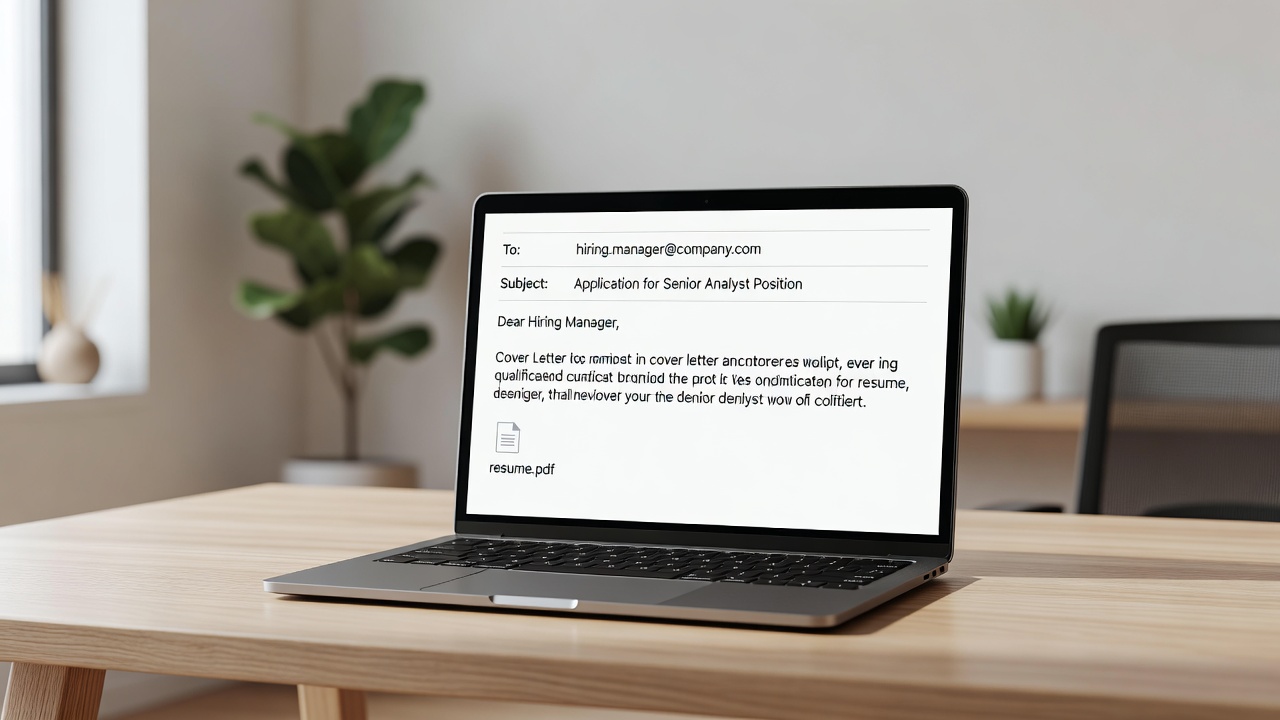
Submitting your resume via email remains one of the most direct ways to reach hiring managers in 2026. While applicant tracking systems (ATS) handle many applications through job portals, a well-crafted personalized email can cut through the noise and significantly boost your chances of securing an interview. This comprehensive guide goes beyond basic writing tips to focus on professional submission strategies that complement ATS-optimized resumes and cover letters. You will learn how to craft effective email subject lines, compose persuasive body text, choose the right attachments, determine optimal timing, manage follow-up protocols, and handle scenarios involving multiple recipients or company portals. Practical steps emphasize mobile compatibility and the use of open-tracking tools for measurable improvements in response rates. By the end of this article, you will have actionable templates, comparisons of strong versus weak examples, and answers to frequently asked questions about common pitfalls that derail otherwise strong applications.
Crafting Effective Email Subject Lines
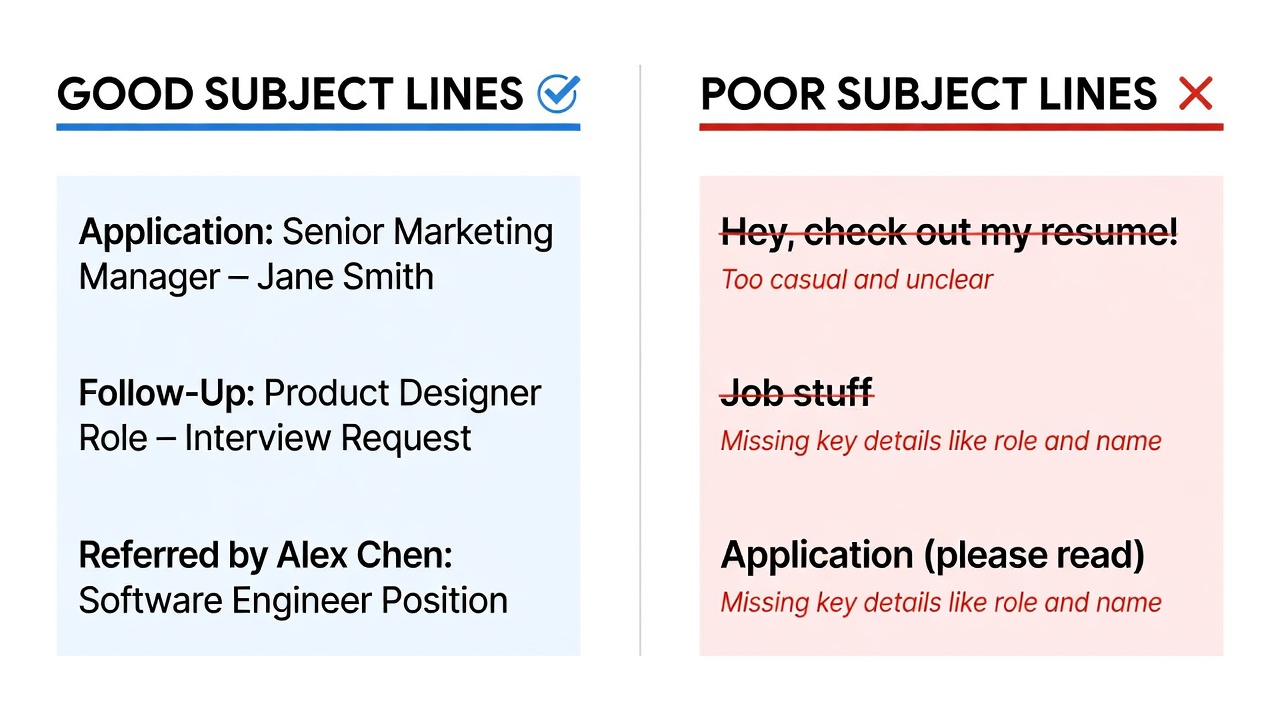
Your subject line is the first impression and often the deciding factor in whether your email gets opened or archived. In 2026, inboxes are busier than ever, so keep subject lines under 50 characters when possible while including the exact job title and your full name. This format helps recruiters quickly identify your message among dozens of daily submissions. Strong examples include "Senior Marketing Manager Application – Jordan Lee" and "Resume for Data Analyst Role – Taylor Kim." These lines are specific, professional, and searchable within an email client.
Avoid vague or generic phrases such as "Job Application" or "Resume Attached" because they blend into spam filters and crowded inboxes. Instead, personalize when you know the hiring manager's name or reference a recent company announcement. Testing shows that including the word "Application" after the job title improves open rates by signaling intent without sounding salesy. Always double-check spelling of both the job title and your name before sending.
Good vs. Poor Subject Line Comparison
- Good: "UX Designer Position – Application from Alex Rivera"
- Poor: "Hi, here's my resume"
- Good: "Following Up on Graphic Designer Opening – Sam Patel"
- Poor: "Resume attached"
- Good: "Product Manager Role at Acme – Application by Priya Sharma"
- Poor: "Interested in your job posting"
Writing a Professional Email Body
The body of your email should be concise yet compelling, typically 150-200 words. Begin with a personalized greeting using the hiring manager's name whenever possible; if unknown, "Dear Hiring Manager" is acceptable but less powerful. In the first paragraph, state the position you are applying for and how you discovered the opening. The second paragraph should briefly highlight two or three relevant achievements that align with the job description, referencing your attached resume for full details. End with a clear call-to-action, such as offering specific availability for a conversation or requesting next steps.
Always attach your resume and cover letter as separate, professionally named PDF files such as "Jordan_Lee_Resume.pdf" and "Jordan_Lee_Cover_Letter.pdf." This naming convention makes files easy to locate and demonstrates attention to detail. Never paste the full resume into the email body, as formatting can break and ATS compatibility may suffer.
Sample Email Templates
Template 1 – Initial Submission:
Subject: Marketing Coordinator Application – Morgan Ellis
Dear Ms. Thompson,
I am writing to apply for the Marketing Coordinator position at Acme Corp. With three years of experience managing digital campaigns that increased engagement by 45 percent, I am excited about contributing to your team's growth. My resume and cover letter are attached for your review.
Best regards,
Morgan Ellis
(555) 123-4567 | morgan.ellis@email.com
Template 2 – Follow-Up After One Week:
Subject: Follow-Up on Marketing Coordinator Application – Morgan Ellis
Dear Ms. Thompson,
I wanted to follow up on my application submitted on June 15 for the Marketing Coordinator role. I remain very interested in the position and would welcome the opportunity to discuss how my skills align with Acme Corp's objectives.
Best regards,
Morgan Ellis
Timing Recommendations and Follow-Up Protocols
Send your email Tuesday through Thursday between 8 a.m. and 10 a.m. in the recipient's time zone to maximize open rates. These mid-week morning windows avoid Monday overload and Friday distractions. After sending, wait seven to ten business days before sending a single polite follow-up. Multiple follow-ups risk appearing pushy. Use built-in email tracking features or services to monitor opens so you can time your follow-up when the recipient has already viewed your message.
Handling Multiple Recipients and Job Portals
When emailing several contacts at the same company, use the BCC field to protect recipients' privacy and avoid awkward reply-all situations. For applications submitted through company portals, locate the hiring manager's email through LinkedIn or the company website and send a brief, value-added note referencing your portal submission. This extra step shows initiative without circumventing the formal process.
Mobile Compatibility and Tracking
More than half of professionals now review email on mobile devices, so format your message with short paragraphs, standard fonts such as Arial or Calibri at 11-12 point size, and plenty of white space. Avoid tables, images, or complex formatting that may render poorly on small screens. To measure effectiveness, consider reputable tracking tools that integrate with common email clients. For additional job search resources, explore LinkedIn and Indeed.
Common Mistakes to Avoid
Many strong candidates lose opportunities due to preventable errors. Never use casual language or emojis in professional emails. Double-check that attachments are included before hitting send. Do not send the same generic email to every company; tailor at least one sentence to each organization. Avoid requesting salary information in the initial email unless the posting specifically asks for it. Finally, proofread the entire message, including the subject line, for typos that can undermine credibility.
ATS Considerations for Attachments
Even when emailing directly, many organizations still route resumes through ATS software. Save both your resume and cover letter in PDF format to preserve layout. Use standard section headings such as "Professional Experience" and "Education" that ATS can parse easily. If the job posting requests a specific file type, follow those instructions exactly while keeping a PDF version ready for email submissions.
FAQs on Common Pitfalls
- What file format should I use? Always PDF to preserve formatting and ensure ATS compatibility.
- How long should I wait to follow up? Seven to ten business days is the standard professional window.
- Should I include my salary expectations? Only if the job posting explicitly requests it.
- Is it okay to email multiple people at one company? Yes, but personalize each message and use BCC appropriately.
- Can I use a tracking pixel? Yes, but choose reputable services that respect privacy.
- What if I do not hear back after the follow-up? Move on and continue applying elsewhere while keeping the door open for future opportunities.
Conclusion
Mastering email best practices for resume submissions in 2026 combines attention to detail, strategic timing, and respect for the recipient's time. By applying the subject line techniques, professional body templates, and follow-up protocols outlined above, job seekers can increase their visibility and response rates in a competitive market. Implement these steps consistently, track your results, and refine your approach for continued success.

No comments yet. Be the first!