 Jobboy
Introduction
After drafting your resume and cover letter, the final proofreading stage determines whether your application stands out or gets rejected. In 2026, employers and applicant tracking systems (ATS) scrutinize documents more rigorously than ever. This comprehensive checklist helps job seekers eliminate common mistakes in grammar, formatting, keywords, and rendering to deliver polished, professional materials. Many candidates spend hours crafting compelling content yet overlook small inconsistencies that immediately signal carelessness to hiring managers. A single typo or misaligned bullet point can undermine months of preparation, which is why a methodical review process is essential for anyone serious about landing interviews.
Proofreading is not a quick scan; it requires structured timing, the right tools, and human review. Below you will find step-by-step guidance, real before-and-after examples, and practical advice for edge cases like industry jargon and date formatting. By following this expanded checklist, you will create error-free documents that pass both automated filters and human eyes.
Timing Your Review Process
Begin proofreading at least 48 hours after completing your draft. This cooling-off period allows fresh eyes to spot issues missed during writing. Schedule multiple passes: one for content accuracy, another for grammar and style, and a final pass for visual consistency. Allocate 30-45 minutes per page to avoid rushing. Break the process into morning and afternoon sessions if fatigue sets in. Start with a high-level overview of your career narrative, then zoom into sentence-level details. Mark calendar reminders so proofreading becomes a non-negotiable step rather than an afterthought.
Tools Versus Manual Scans
Automated tools like spell checkers and grammar platforms catch many surface errors, yet they miss context-specific problems such as inconsistent tense or keyword stuffing. Combine technology with manual review. Run your document through a reputable checker first, then read every line aloud. Indeed recommends printing a physical copy for the final manual pass, as screen fatigue hides subtle mistakes. Consider layering multiple tools: one focused on spelling, another on readability scores, and a third on ATS compatibility. However, never rely solely on software; human judgment remains irreplaceable for tone and industry nuance.
Grammar and Style Checklist
- Verify subject-verb agreement throughout every bullet point and paragraph.
- Ensure consistent verb tense (past for previous roles, present for current position).
- Eliminate double negatives and redundant phrases that dilute impact.
- Confirm proper use of Oxford commas in multi-item lists for clarity.
- Check for homophone errors such as “their” versus “there” or “affect” versus “effect.”
- Review pronoun consistency and avoid shifting between first and third person.
- Scan for overly complex sentences that can be split for better readability.
Formatting and Consistency
Standardize fonts, margins, and heading styles across the entire document. Use 10-12 point font for body text and ensure 0.5-1 inch margins on all sides. Bullet points should align perfectly with the same indentation level. Remove extra spaces between sections and ensure consistent date formats such as MM/YYYY or Month Year. Test line spacing so the resume fits cleanly on one or two pages without appearing cramped. Pay special attention to section dividers and horizontal lines that may render differently when converted to PDF.
Keyword Optimization and ATS Checks
Match keywords from the job description naturally throughout your experience and skills sections. Avoid stuffing that makes text feel unnatural. Test your resume by copying text into a plain text editor to confirm ATS readability. LinkedIn advises using standard section headings such as “Professional Experience” rather than creative alternatives that confuse parsers. Run your file through at least two different ATS simulators if available, and adjust any special characters that fail to translate correctly.
Mobile and Rendering Tests
Open your PDF on multiple devices and screen sizes including smartphones and tablets. Check that text does not overflow and columns remain aligned. Convert to image previews to simulate how recruiters view files on phones during quick scans. Adjust font sizes slightly larger if needed for mobile legibility while maintaining professional appearance on desktop screens.
Enlisting a Second Reader Effectively
Choose a reviewer familiar with your industry or target role. Provide them with the job description and specific questions such as “Does this quantify achievements?” or “Are any acronyms unclear?” Schedule a 15-minute debrief to discuss feedback in detail. Ask them to note any sections that feel vague or any formatting inconsistencies they spot immediately.
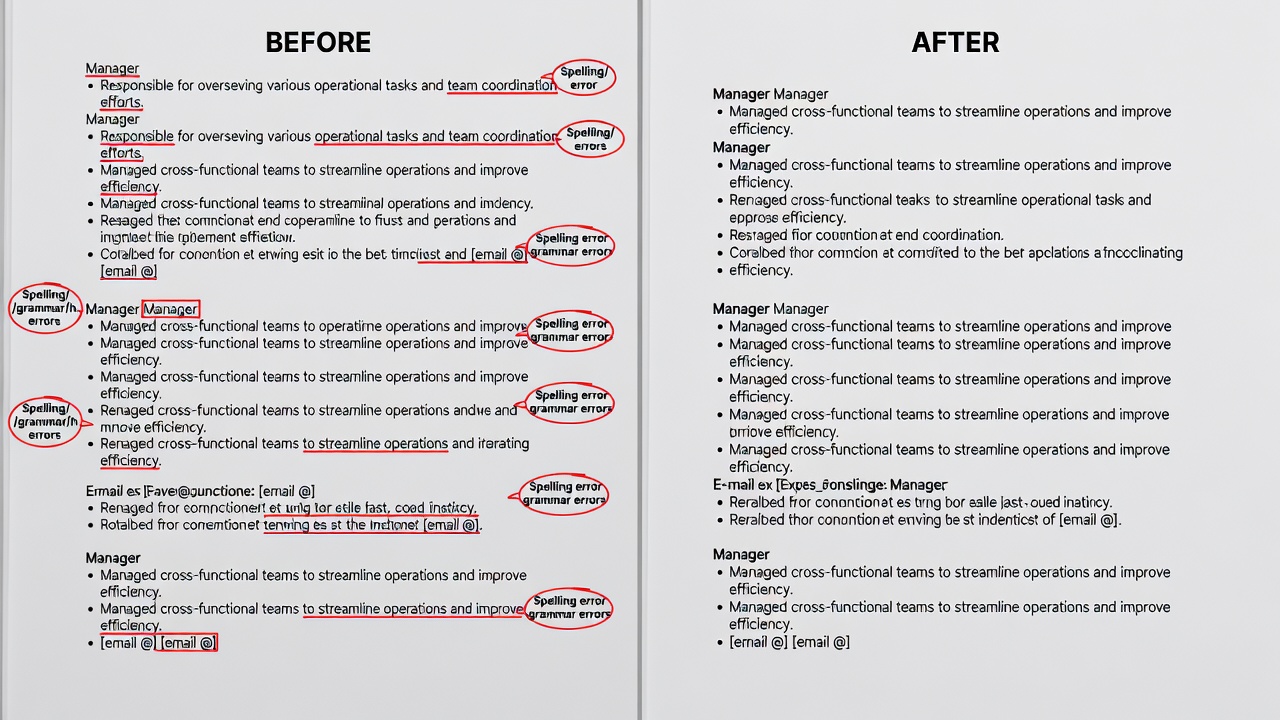
Before-and-After Examples
Before: “Managed team of 5 sales rep’s and increased revenue 30%.” After: “Managed a team of five sales representatives and increased revenue by 30 percent.”
Before: “Led project; results were good.” After: “Led cross-functional project that delivered 25 percent efficiency gains within six months.”
Before: “Responsible for customer service and handled complaints.” After: “Resolved 40+ customer complaints weekly, achieving a 95 percent satisfaction rating.”
Before: “Worked on marketing campaigns in 2024-2025.” After: “Developed and executed three integrated marketing campaigns from January 2024 to March 2025.”
Downloadable Checklist Template
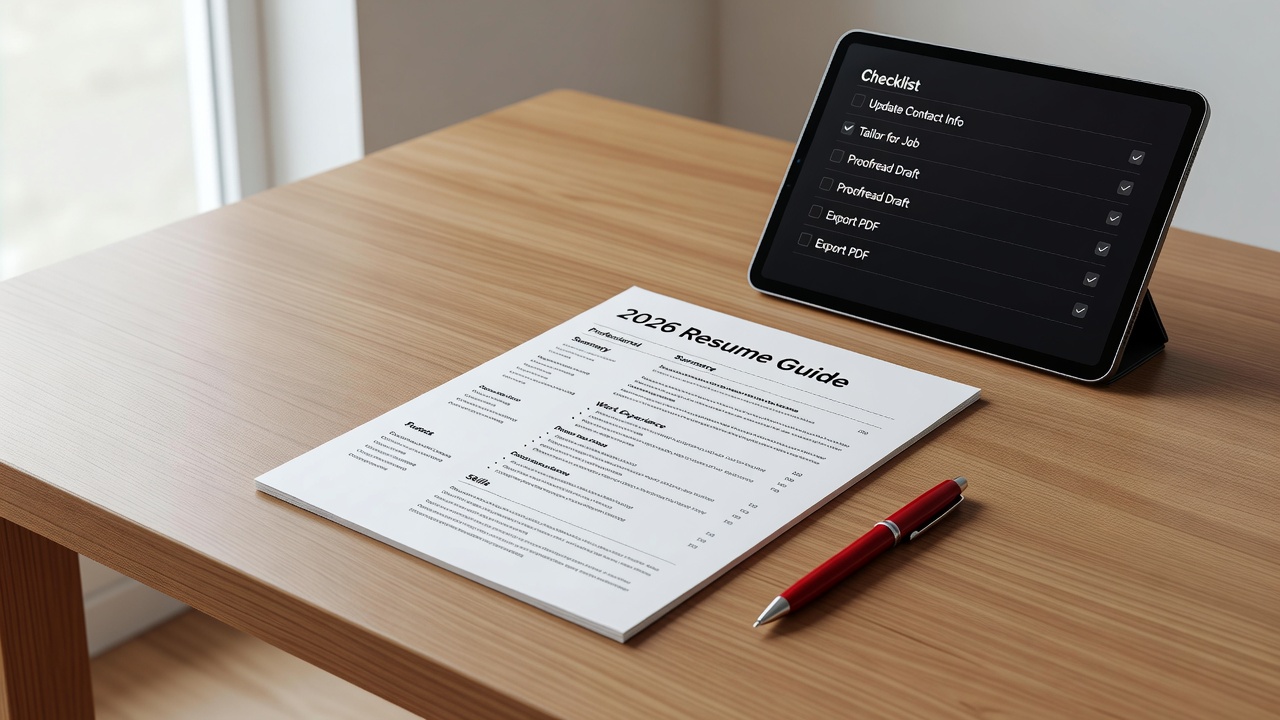
Copy the sections above into a spreadsheet or word processor to create your personal template. Mark each item as complete during review. Add columns for notes and priority levels so you can track recurring issues across multiple applications. Revisit the template before every submission to maintain consistency.
Common Mistakes to Avoid
Many applicants forget to update contact information after job changes or leave old email addresses visible. Others mix American and British spelling conventions within the same document. Watch for inconsistent capitalization in job titles and avoid using graphics or tables that ATS software cannot parse. Double-check that all hyperlinks remain functional when the file is exported.
FAQ: Tricky Edge Cases
How should I handle industry jargon?
Spell out acronyms on first use unless the abbreviation is universally recognized in your field. Include both the full term and acronym when space allows to accommodate varied reader backgrounds.
What date format works best?
Use Month Year (e.g., June 2025) for readability. Avoid day-month-year formats unless applying internationally where local conventions differ.
Should I include references?
Only if requested in the job posting. Otherwise, prepare a separate reference sheet to provide upon request.
How do I address employment gaps?
Briefly note the reason in one line and focus on skills gained during that period, such as freelance projects or volunteer work.
Can I use the same resume for every application?
Customize keywords and achievements for each role while keeping core formatting intact to avoid introducing new errors during edits.
Conclusion
A thorough proofreading process transforms a good resume into an exceptional one. Follow this 2026 checklist methodically to eliminate errors that could cost you interviews. The result is a document that passes both human and ATS scrutiny, positioning you strongly in a competitive job market. Consistent application of these steps will save time and increase your chances of moving forward in the hiring process.


No comments yet. Be the first!