 Jobboy

Introduction: Why Job Alerts Are Essential for 2026 Job Seekers
In today’s competitive market, manually refreshing job boards wastes valuable time. Job alerts deliver new listings straight to your inbox or app, enabling passive yet proactive hunting. This guide walks you through precise setup on major platforms, keyword strategies, volume management, and 2026 AI trends so you can apply within minutes of postings going live. With unemployment trends fluctuating and remote opportunities expanding, relying on manual searches alone leaves you at a disadvantage against candidates who leverage automated notifications effectively.
Setting Up Job Alerts on Major Platforms
Start with the biggest boards for maximum reach. Each platform offers unique strengths, and understanding their interfaces ensures you capture the widest range of opportunities without overlap.
Indeed Job Alerts
Navigate to Indeed.com, enter your target role and location, then click “Create alert.” Customize frequency to daily or weekly and refine by salary, experience level, and job type. Alerts arrive via email or the Indeed app push notification. For deeper customization, add company size filters or exclude certain keywords to eliminate sales-heavy postings that often clutter results. Many users report receiving notifications within minutes of a new listing, allowing same-day applications that stand out to recruiters.
LinkedIn Job Alerts
On LinkedIn.com, search for a role, then toggle the bell icon to “Set alert.” Choose how often you want updates and whether to include Easy Apply roles only. LinkedIn’s algorithm learns from your profile to surface better matches over time. You can also set alerts based on your network’s activity, such as when connections post about openings at their companies, which adds a layer of insider advantage not available on generic boards.
Glassdoor Alerts
Glassdoor.com lets you filter by company ratings, benefits, and remote options before saving the alert. You can also receive alerts for companies you’re following. This is particularly useful if culture and compensation transparency matter to you, as the platform surfaces reviews alongside new postings.
Additional niche sites such as Dice for tech roles or USAJobs for federal positions follow similar patterns: search, filter, save. Combining alerts across platforms creates a comprehensive net that catches both corporate and specialized opportunities.
Crafting Precise Keywords and Filters
Vague searches flood your inbox. Combine role titles with must-have skills, e.g., “senior product manager agile remote.” Use Boolean operators like “AND,” “OR,” and quotes for exact phrases. Add location radius filters or “remote” as a keyword to capture distributed opportunities. Test variations by running sample searches first and noting which terms yield the most relevant results before committing to an alert. Over time, refine based on the quality of incoming listings rather than quantity alone.
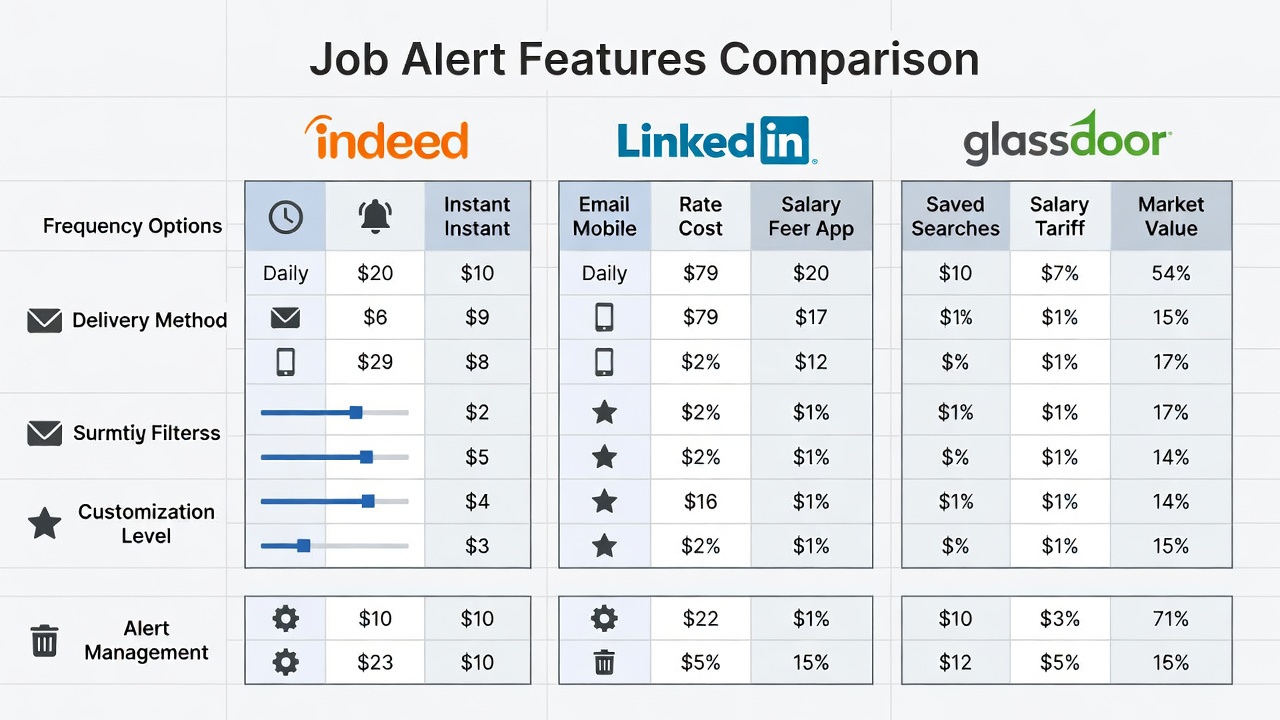
Comparison Table of Alert Features
| Platform | Frequency Options | Advanced Filters | AI Matching | Mobile Push |
|---|---|---|---|---|
| Indeed | Daily/Weekly | Salary, Experience, Job Type | Basic | Yes |
| Daily/Weekly/Real-time | Experience, Company, Easy Apply | Strong | Yes | |
| Glassdoor | Daily/Weekly | Company Rating, Benefits | Moderate | Yes |
Managing Alert Volume to Avoid Burnout
Too many alerts cause fatigue. Limit yourself to 3–5 targeted searches per job goal. Unsubscribe immediately from irrelevant alerts and use folders or labels in your email client to organize incoming messages. Review alerts once daily rather than reacting instantly. Consider creating a dedicated email folder or using rules to automatically sort alerts by priority, ensuring high-value opportunities rise to the top of your workflow without overwhelming your primary inbox.
5 Customization Tips for Better Results
- Include both broad and narrow keywords in separate alerts.
- Set alerts for companies you admire even without open roles.
- Use “posted in last 24 hours” filters where available.
- Combine location with “hybrid” or “remote” to expand options.
- Review and refresh alert criteria monthly as your preferences evolve.
Advanced Techniques for Niche and Industry-Specific Alerts
Beyond the major platforms, explore industry-specific boards. For healthcare roles, set alerts on Health eCareers; for creative fields, try Behance Jobs. Combine these with general alerts to ensure no sector is missed. Track which sources consistently deliver interviews and double down on those platforms while pruning others.
Integrating Alerts with Tracking Tools
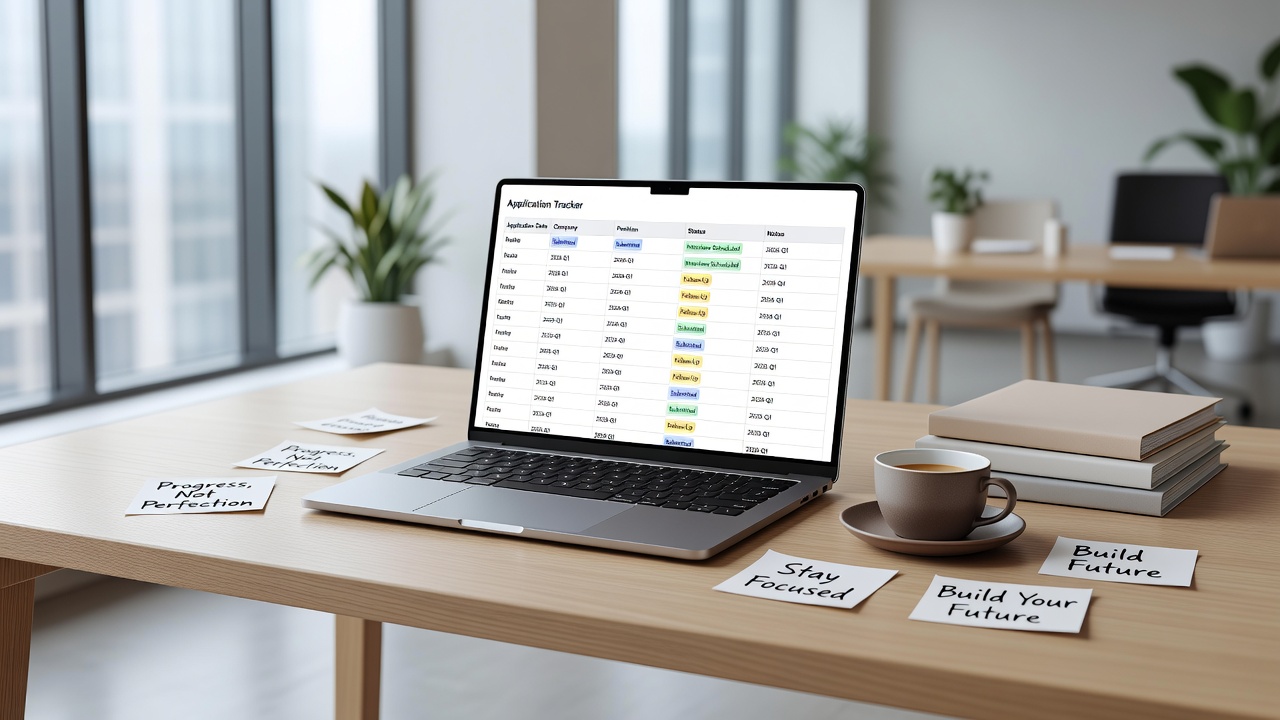
Forward alert emails into a spreadsheet or use tools like Notion or job-specific trackers to log applications, deadlines, and follow-ups. Browser extensions can auto-capture new postings into your system. This integration prevents missed opportunities and provides data on response rates, helping you refine future alerts based on real outcomes rather than guesswork.
Real Examples of Alerts That Led to Interviews
One marketing professional created an alert for “content strategist SaaS remote” and received a listing within 48 hours; she applied the same day and secured an interview the following week. Another candidate set company-specific alerts for three target employers and landed a referral opportunity after a new role was posted internally. A software engineer used Boolean strings like “python AND django NOT junior” to filter senior positions and received three qualified leads in a single week, ultimately accepting an offer after two interviews.
2026 Trends: AI-Enhanced Alerts
Major platforms now incorporate generative AI to refine matches based on your full profile and application history. Expect smarter deduplication, salary-range predictions, and personalized skill-gap suggestions delivered alongside each alert. Staying updated on these features ensures you remain ahead of other applicants. As AI evolves, alerts may soon include interview probability scores or suggested application tweaks, further accelerating the job search process.
Avoiding Common Mistakes When Using Job Alerts
Many job seekers set alerts once and forget them. Regularly audit your saved searches to remove outdated criteria. Another frequent error is ignoring mobile notifications; enable push alerts on your phone so time-sensitive postings do not sit unread in email. Finally, avoid overly broad keywords that generate hundreds of irrelevant results—precision always outperforms volume.
FAQ: Troubleshooting Common Issues
How do I stop duplicate alerts?
Consolidate similar searches into one alert and use exact phrases to reduce overlap.
Why am I receiving spam?
Only use official platform alert settings. Never click “unsubscribe” links inside suspicious emails; instead, manage alerts directly inside each job board account.
Can I set alerts without an account?
Most platforms require free registration to save and manage alerts long-term.
What if alerts stop arriving?
Check your spam folder, verify account settings, and re-save the alert to refresh the subscription.
Conclusion
Mastering job alerts transforms a chaotic search into a streamlined pipeline. Implement the platform setups, keyword tactics, and management strategies above to receive relevant opportunities instantly and apply faster in 2026. Start with one well-crafted alert today and scale from there.

No comments yet. Be the first!