 Jobboy
Introduction: Why Cybersecurity Matters for Remote Workers in 2026
Remote work and freelancing continue to dominate the gig economy in 2026, but they also expose professionals to sophisticated cyber threats. From phishing emails targeting home networks to unsecured public Wi-Fi connections, remote setups create unique vulnerabilities that office environments typically mitigate through centralized IT controls. This guide delivers actionable steps to safeguard your digital workspace, drawing on real-world breach examples and comparisons of essential tools. Common breaches often stem from weak passwords or unpatched devices. For instance, freelancers have lost client data through compromised freelance platforms when two-factor authentication was skipped. Building strong habits now prevents costly incidents later and helps maintain client trust in an increasingly competitive market.
Many remote workers underestimate how their home routers, personal devices, and mixed-use networks become entry points for attackers. In 2026, threats have evolved to include AI-assisted phishing and supply-chain attacks targeting popular productivity apps. Understanding these risks forms the foundation for effective protection.
Selecting and Setting Up a Reliable VPN
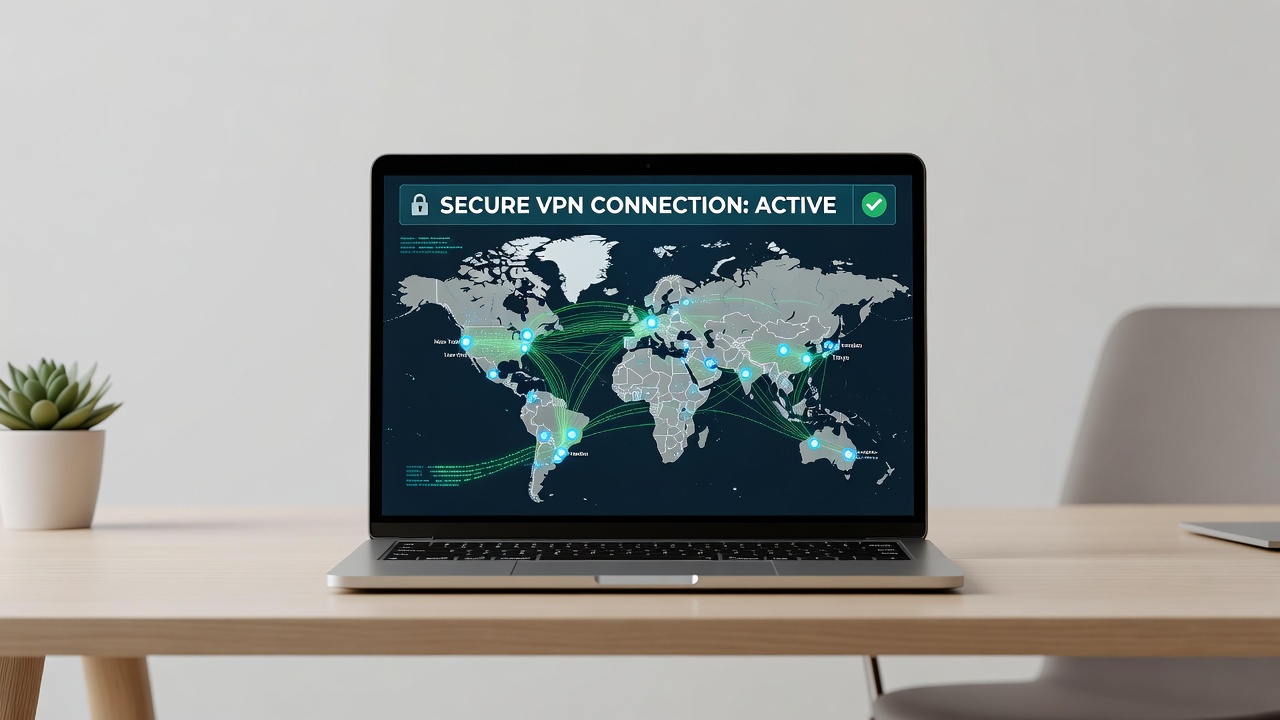
A virtual private network encrypts your internet traffic, essential when working from coffee shops or co-working spaces. In 2026, choose providers with no-logs policies audited by third parties and kill-switch features that block leaks if the connection drops. Look for apps that support multiple protocols and offer server locations in regions where you frequently travel.
Step-by-step setup for a typical VPN app begins with verifying the provider's reputation through independent reviews and transparency reports. Download the official app from the provider's website. Create an account and log in using strong credentials. Enable the kill switch and select a protocol like WireGuard for speed or OpenVPN for maximum compatibility. Connect to a nearby server before accessing work accounts, and test the connection using online leak detection tools to confirm no IP or DNS exposure occurs.
Compare options by focusing on ease of use across devices rather than speed claims alone. Avoid free VPNs, as they often sell user data. Consider split-tunneling features that let you route only work traffic through the VPN while keeping personal browsing local. Regular testing of your VPN setup ensures continued protection as network conditions change.
Password Management Tools: Best Practices and Comparisons
Password managers generate and store complex credentials, reducing reuse risks that lead to account takeovers. Popular choices include cross-platform apps with biometric login and secure sharing for team projects. These tools also alert users to compromised passwords and help enforce unique credentials across every freelance platform and client portal.
Real-world example: A 2025 breach at a freelance marketplace exposed thousands of accounts because users relied on simple passwords across sites. A manager could have prevented this through unique, auto-filled logins. When comparing solutions, evaluate audit frequency, family-sharing features if you manage multiple side hustles, and integration with hardware security keys for added protection.
Setup instructions start with installing the app on your primary devices and creating a master password that you memorize. Import existing passwords and enable two-factor authentication via authenticator app rather than SMS. Use the browser extension for seamless autofill on freelance sites while disabling autofill on untrusted pages. Schedule monthly reviews of stored credentials to remove outdated entries.
Secure Usage of Freelance Platforms
Platforms like Upwork and Fiverr require careful handling. Always verify URLs to avoid phishing clones and enable all available security features such as login notifications and device management lists. Review connected third-party apps regularly and revoke access for any unused integrations that could serve as backdoors.
Key practices include logging out after sessions, using platform messaging instead of personal email for client communication, and avoiding file uploads that contain sensitive metadata. When receiving payment links or contract documents, open them in a sandboxed browser or dedicated virtual machine to limit exposure if malware is present.
Data Privacy Best Practices for Digital Nomads
Protect client files with encryption tools and avoid storing sensitive data locally on public devices. Use cloud services with end-to-end encryption and enable remote wipe capabilities on all gadgets. Segment your network at home so work devices operate on a separate VLAN from smart home appliances that may have weaker security.
Multi-device protection involves consistent VPN use and regular software updates across phones, laptops, and tablets. Implement full-disk encryption on every machine and back up critical data to an encrypted external drive kept offline. For digital nomads crossing borders, understand data privacy laws in each country and avoid carrying unnecessary client information on devices.
Real-World Breach Examples and Lessons
Consider the case of a remote graphic designer whose laptop was compromised via a malicious attachment, leading to stolen client portfolios. The lesson: scan all downloads and maintain offline backups. Another incident involved side-hustle data leaked through an unsecured home router; updating firmware and segmenting networks resolved similar risks for many users.
A third example highlights a freelancer who clicked a fake invoice link in email, resulting in ransomware encrypting project files. Recovery took weeks and damaged client relationships. These cases underscore the importance of email verification and layered defenses rather than relying on any single tool.
Additional Protections: Phishing Defense and Device Hygiene
Phishing remains one of the most common attack vectors. Train yourself to hover over links before clicking and verify sender domains carefully. Use email filters that flag suspicious messages and enable advanced protection features offered by major providers.
Device hygiene includes enabling automatic updates, disabling unnecessary services like remote desktop when not in use, and running reputable antivirus software alongside built-in operating system protections. Create a checklist for weekly security reviews covering updates, password changes, and connected device audits.
FAQ
How do I protect multiple devices as a digital nomad?
Install consistent security apps on every device, use a single password manager synced via encrypted cloud, and activate device tracking features for quick response to loss or theft. Maintain a portable hardware security key that works across platforms.
What are the risks to side hustle data?
Side projects often mix personal and professional accounts, increasing exposure. Separate logins and dedicated VPN profiles help isolate these activities from main work. Regularly audit permissions on shared documents.
Is public Wi-Fi ever safe in 2026?
Only with an active VPN and disabled file sharing. Prefer mobile hotspots when possible for higher control. Always forget networks after use to prevent automatic reconnection.
How often should I update my security tools?
Check for updates weekly and apply them immediately when available. Set calendar reminders for quarterly full audits of all accounts and devices.
Conclusion
Implementing these cybersecurity essentials builds trust with clients and protects your freelance career. Start with a VPN and password manager today, then layer on platform-specific habits and device hygiene routines. Stay updated through official resources like CISA, FTC, NIST, and EFF for the latest threat alerts and best practices.

No comments yet. Be the first!