 Jobboy
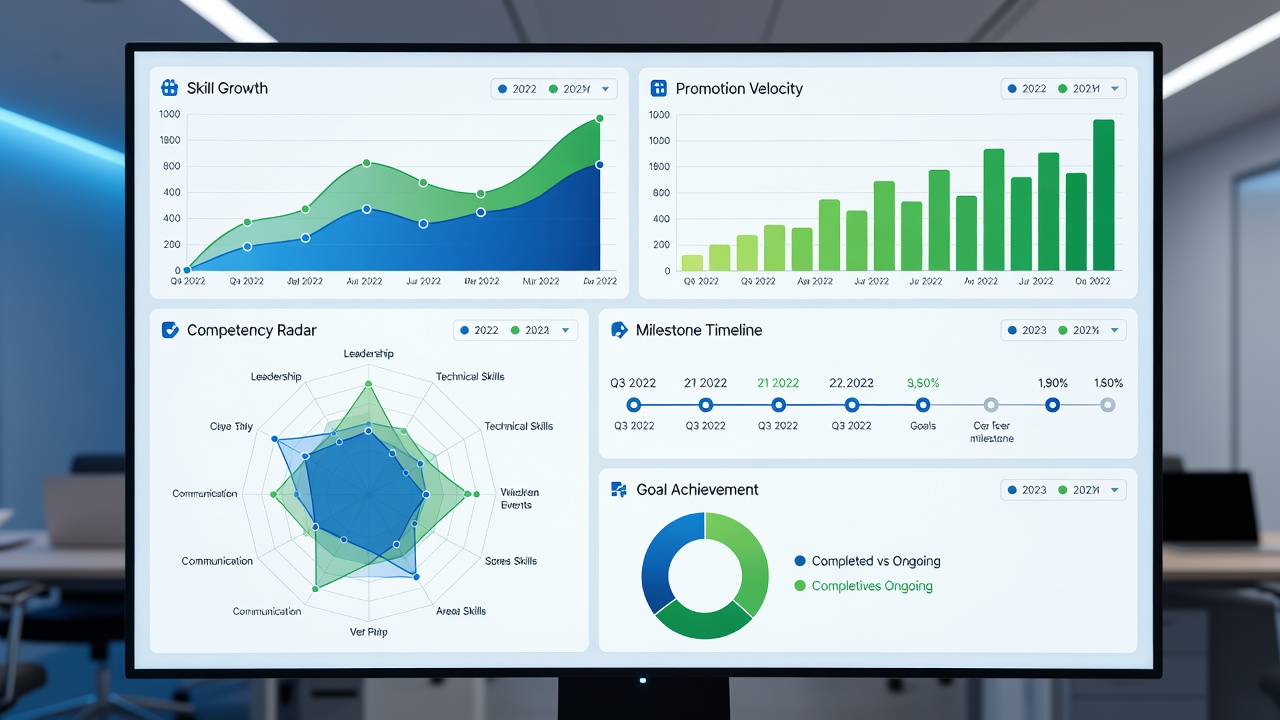
Introduction to Data-Driven Career Tracking
In 2026, professionals across industries are shifting toward measurable approaches for career planning and professional development. Relying on intuition alone often leads to stalled growth, whereas data-driven tracking reveals precise patterns in skill acquisition rates, promotion velocity, and overall advancement. This comprehensive guide details five proven methods that combine free apps, trend analysis during quarterly reviews, and actionable insights. Whether you are in technology, healthcare, finance, or education, these strategies help quantify progress and guide upskilling efforts effectively.
By focusing on key performance indicators, individuals can identify gaps early and adjust their career planning accordingly. Data tracking transforms vague aspirations into clear roadmaps, supporting sustained professional development over time.
Method 1: Measuring Skill Acquisition Rates
Skill acquisition rate measures how rapidly you master new competencies essential for career advancement. Begin by auditing your current role and future aspirations to select 3-5 priority skills. Log start dates, completion milestones, and self-assessed proficiency on a 1-10 scale using a spreadsheet or digital notebook.
Step-by-step implementation: First, review job postings and performance feedback to pinpoint relevant skills. Second, break each skill into micro-goals with deadlines. Third, conduct monthly self-assessments and record scores. Fourth, calculate monthly acquisition velocity by dividing completed milestones by total planned ones. Real-world examples illustrate impact. A software engineer in the technology sector tracked Python and cloud certification progress, achieving a 35 percent increase in skill scores within six months and securing a senior role. In healthcare, a nurse logged patient care protocol mastery and data analysis skills, leading to a specialized position. Finance professionals have used similar tracking to master regulatory compliance tools faster than peers.
This method integrates seamlessly with upskilling by highlighting which competencies deliver the highest return on time invested.
Method 2: Monitoring Promotion Velocity
Promotion velocity tracks the average time between role advancements and title changes. Record your employment start date, each promotion date, salary band shifts if available, and responsibilities added. Compare personal velocity against industry averages from authoritative sources such as the U.S. Bureau of Labor Statistics.
Implementation steps include maintaining a timeline spreadsheet updated after every performance cycle. During quarterly reviews, calculate months per promotion and plot the trend line. An example from the education sector shows a teacher advancing to department head in four years instead of the typical six by focusing on leadership certifications. In manufacturing, engineers monitoring velocity adjusted project leadership goals and reduced average advancement time by two years. This data supports proactive career planning by signaling when to seek new opportunities or negotiate roles.
Method 3: Integrating Performance Metrics from Reviews
Performance review metrics provide quantitative feedback on goal achievement, peer ratings, and manager evaluations. Collect numeric scores, percentage of objectives met, and qualitative notes. Automate collection using free tools like Google Forms linked to Sheets for automatic charting.
Detailed process: Export review data quarterly, categorize by theme such as leadership or technical output, then compute averages. A real-world case in retail management demonstrated how consistent tracking of customer satisfaction scores correlated with faster promotions. Healthcare administrators used aggregated review data to prioritize professional development in regulatory compliance, resulting in department-wide efficiency gains. This approach reveals blind spots that subjective reflection often misses.
Method 4: Tracking Networking and Connection Growth
Networking growth quantifies relationship-building efforts through connection counts, informational interview logs, and mentorship sessions. Leverage platform analytics on professional sites to monitor monthly increases and engagement rates.
Steps involve setting targets like five new meaningful connections per month and logging interaction outcomes. An example from the marketing industry shows a specialist expanding their network by 200 connections over a year, directly leading to two job offers. Finance analysts tracked mentorship meetings and reported accelerated skill transfer in investment strategies. This metric strengthens career planning by expanding access to hidden opportunities and industry insights.
Method 5: Evaluating Project Impact and Completion Rates
Project impact assessment records completed initiatives alongside measurable outcomes such as revenue influenced, time saved, or team size managed. Maintain a project log with baseline and post-project metrics.
Implementation guide: Define success criteria at project outset, capture data at completion, and review trends quarterly. Technology product managers have used this to demonstrate 25 percent efficiency improvements, supporting promotion cases. In nonprofit sectors, program coordinators tracked beneficiary reach and funding secured, enhancing professional development portfolios. LinkedIn reporting features help visualize these impacts publicly.
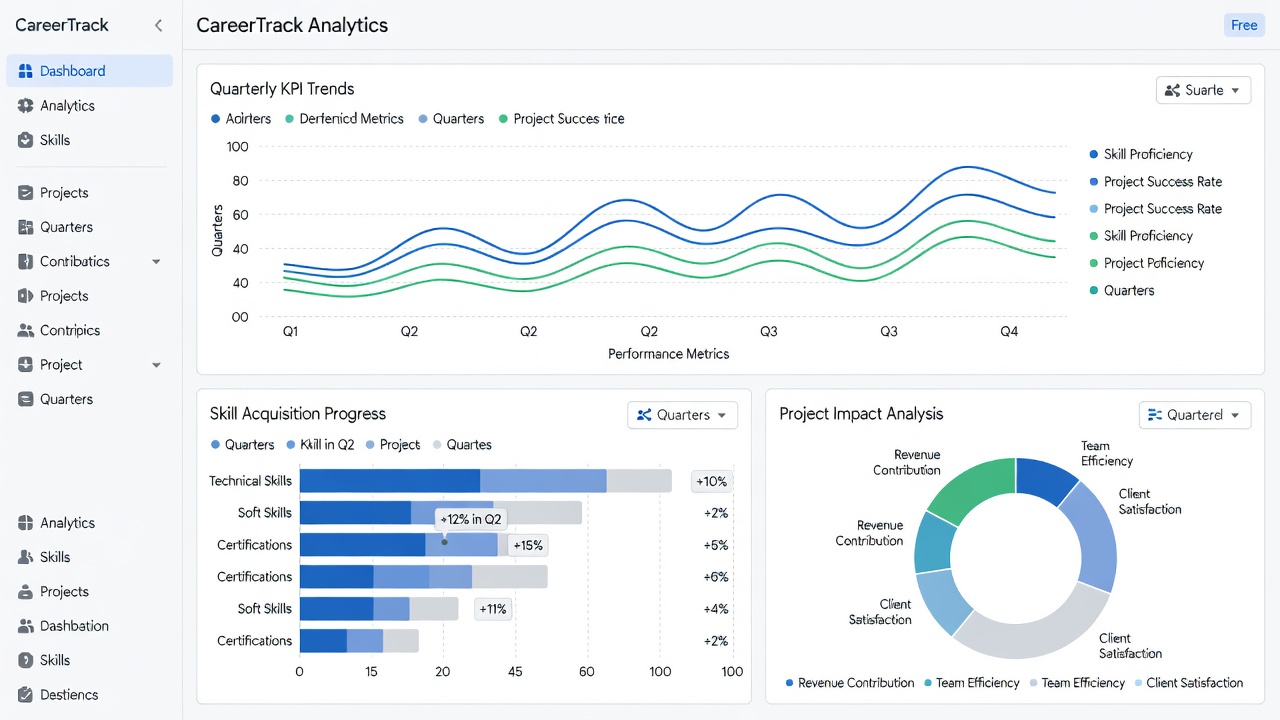
Free Apps for Data Collection and Automation
Choosing between manual and automated tracking depends on your workflow preferences. Manual methods using spreadsheets offer complete control and zero cost but require consistent discipline. Automated options like Notion databases, Trello boards with power-ups, or Google Workspace integrations reduce manual entry and generate instant visualizations.
Comparison points include setup time, error rates, and scalability. Manual tracking suits those who prefer tactile control, while automation excels for professionals handling multiple data streams. Step-by-step for automation: Connect forms to sheets, create pivot tables for KPI summaries, and schedule weekly email reports. Industry examples show marketing teams automating connection growth metrics to free time for strategic upskilling.
Interpreting Trends During Quarterly Reviews
Quarterly reviews transform raw data into strategic insights. Plot each KPI on line or bar charts to spot upward, flat, or declining trends. Adjust goals based on patterns, such as increasing upskilling hours when skill acquisition slows.
Practical tips include setting calendar reminders for reviews and involving a mentor for objective perspective. Avoid common pitfalls like inconsistent data entry by standardizing logging templates. Another mistake is ignoring context, such as external market shifts affecting promotion velocity. Regular interpretation supports adaptive career planning and long-term professional development.
Common Mistakes to Avoid in Career Tracking
- Overloading on too many KPIs, leading to analysis paralysis.
- Failing to update data promptly, which skews trend accuracy.
- Comparing only internally without industry benchmarks from sources like the U.S. Bureau of Labor Statistics.
- Neglecting qualitative context alongside numbers.
FAQ: Addressing Common Pitfalls
How frequently should data be reviewed? Quarterly intervals balance detail with manageability for most professionals. What if metrics indicate stagnation? Revisit skill priorities and explore targeted upskilling programs. Are free tools adequate for serious tracking? Yes, combinations of Google Workspace and LinkedIn analytics deliver professional-grade insights without subscription fees. How do I start if overwhelmed? Begin with one method, such as skill acquisition, and expand after three months.
Implementing these five methods creates a robust framework for measurable career progress. Consistent application in 2026 positions professionals for accelerated growth through informed career planning, targeted professional development, and strategic upskilling.


No comments yet. Be the first!