 Jobboy
Introduction
Conference presentations are powerful additions to any resume in 2026 because they showcase expertise, communication skills, and active participation in your professional field. Employers across academia, technology, healthcare, marketing, and engineering increasingly seek candidates who can articulate complex ideas to diverse audiences. Extending the proven approach used for listing publications, this comprehensive guide explains exactly how to list conference presentations effectively. You will learn strategic placement options, ATS-compatible formatting techniques, multiple citation styles with examples, real-world applications across industries, methods for quantifying impact, strategies for managing multiple entries, seamless integration with cover letters, comparisons between traditional and modern resume formats, and the most common mistakes to avoid. By the end of this article, you will have actionable steps to transform your conference speaking experience into compelling resume content that passes both human review and automated screening systems.
Why Include Conference Presentations on Your Resume?
Adding conference presentations signals to recruiters that you possess thought leadership qualities and the ability to engage with peers at a high level. In academic settings, these entries complement publication lists and demonstrate research dissemination. In corporate environments, they highlight public speaking, project leadership, and the capacity to influence industry conversations. For mid-career professionals, presentations can differentiate you from candidates with similar work experience. Even virtual or regional events carry weight when described properly because they reflect ongoing professional development and networking activity.
Strategic Placement on Your Resume
Decide where to position your presentations section based on your career stage and target role. Recent graduates and early-career academics should place it near the top, immediately after education or a dedicated skills section. Experienced professionals typically position it after professional experience and publications but before technical skills. If you have numerous high-impact talks, consider creating two subsections: one for invited keynote addresses and another for peer-reviewed conference papers. Always maintain reverse chronological order within each section. Tailor placement for each application by moving the section higher when the job description emphasizes communication or thought leadership.
ATS-Friendly Formatting Techniques
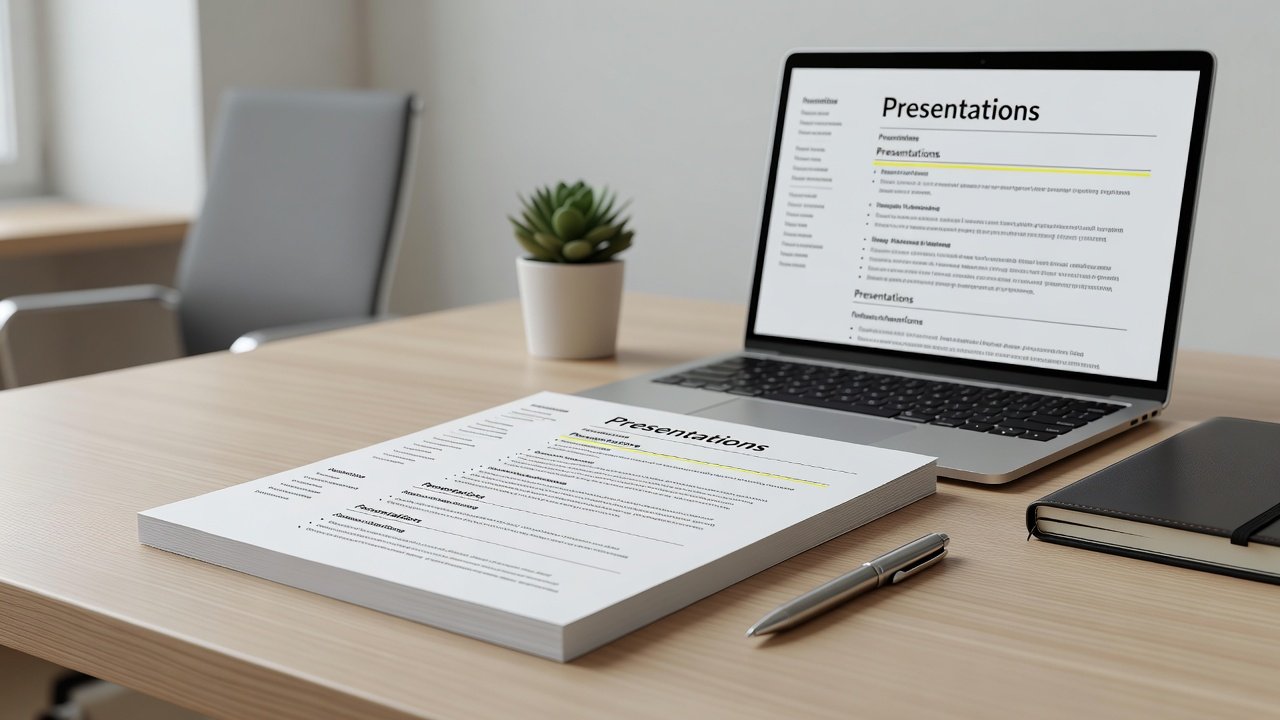
Applicant tracking systems favor simple, scannable layouts. Use standard headings such as “Presentations” or “Conference Presentations.” Avoid columns, text boxes, or embedded graphics. Format each entry with consistent punctuation and date styles. Begin with the presentation title in quotation marks or italics, followed by the conference name, location, and month-year. Add one or two concise bullet points describing audience size or outcomes when space allows. Test your resume by copying the content into a plain text editor to confirm it remains readable. Many professionals also upload a PDF version alongside a Word document to accommodate different employer preferences.
Citation Styles for Presentations
Consistency in citation style strengthens professionalism. APA format works well for social sciences and business: Author Last Name, First Initial. (Year, Month). Title of presentation [Conference presentation]. Conference Name, City, State. MLA style suits humanities fields and uses a similar structure but with different punctuation. Chicago style is common in history and some sciences. Always match the style used elsewhere on your resume. For a deeper reference on academic citation, consult Purdue OWL. When listing multiple authors, use “et al.” after the first name if space is limited.
Real-World Examples Across Industries
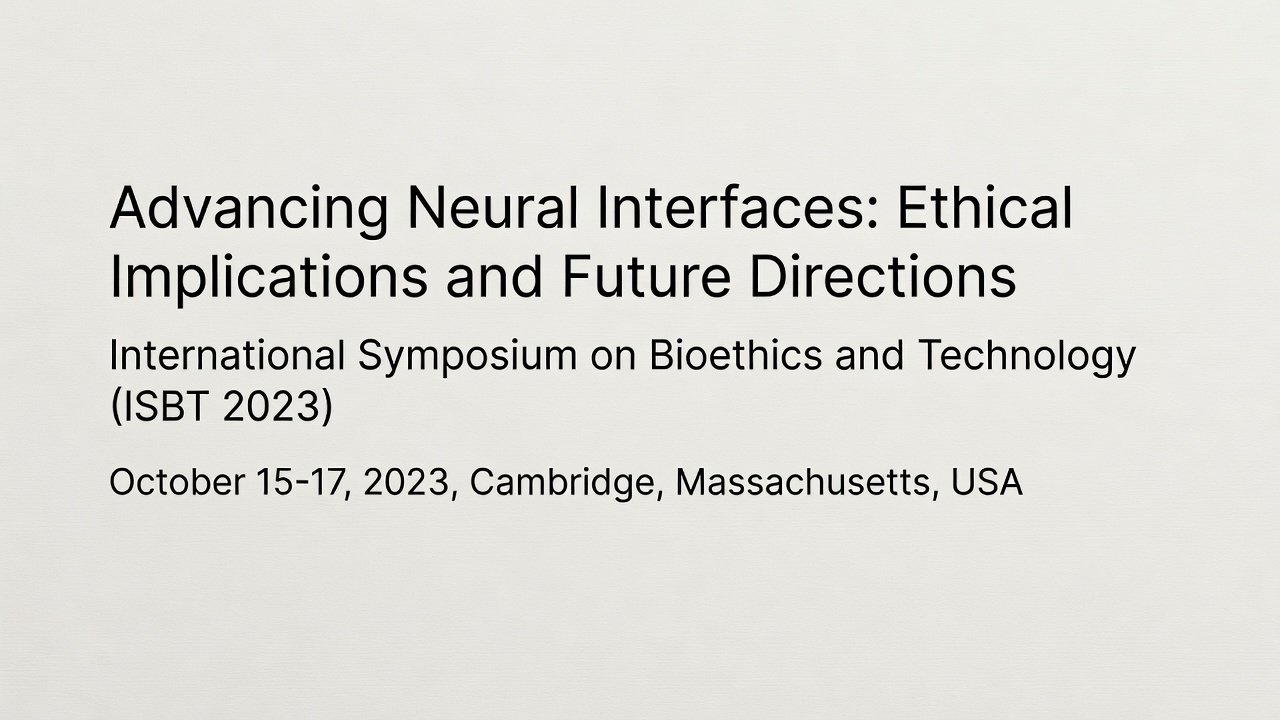
Academic example: “Leveraging Machine Learning for Early Disease Detection,” Annual Biomedical Informatics Symposium, Boston, MA, March 2025. Marketing professional: “Navigating Algorithm Changes in 2026,” Social Media Marketing Summit, Austin, TX, February 2025. Engineering case: “Advances in Sustainable Composite Materials,” International Materials Science Congress, Tokyo, Japan, November 2024. Technology sector: “Ethical Frameworks for Generative AI,” Global Tech Ethics Forum, London, UK, September 2025. Healthcare administrator: “Improving Patient Outcomes Through Telehealth Integration,” Healthcare Innovation Conference, Chicago, IL, June 2025. These examples demonstrate how to adapt the same core structure across vastly different fields while keeping the focus on relevance to the target position.
Quantifying Impact Step by Step
Begin by noting attendance figures when available. Next, record any follow-up actions such as collaborations formed or white papers published. Include media mentions or social media engagement metrics if they are verifiable. Example bullet: “Delivered to 650 attendees; generated 12 post-event collaboration inquiries and 2 published case studies.” Avoid vague claims; instead, tie numbers directly to business or research outcomes. When exact figures are unavailable, use ranges such as “over 300 participants” or qualitative descriptors like “well-attended international forum.”
Handling Multiple Entries Effectively
When you have more than five presentations, group them thematically or by prestige level. Create subheadings such as “Keynote Addresses,” “Peer-Reviewed Presentations,” and “Industry Workshops.” Limit older entries to those directly relevant to the role you are targeting. For academic CVs, maintain a complete chronological list and consider moving less critical items to an appendix or online portfolio. Update the section quarterly to reflect new speaking engagements and remove outdated ones that no longer add value.
Integrating Presentations with Cover Letters
Reference one standout presentation in your cover letter to create a narrative bridge to the job requirements. For instance: “My 2025 presentation on sustainable supply chains at the Global Logistics Summit directly aligns with your company’s current ESG initiatives.” This approach shows you have researched the employer and can translate past achievements into future contributions. Keep the reference brief and specific rather than repeating the full citation.
Traditional Versus Modern Resume Formats
Traditional resumes rely on plain text lists and are safest for conservative industries. Modern formats may incorporate hyperlinks to recorded talks or slide decks hosted on professional platforms, provided the overall document remains ATS-compatible. Hybrid approaches use clean typography with subtle use of bold headings. Many applicants now maintain both a traditional PDF and a LinkedIn profile that hosts full presentation recordings. For additional guidance on current resume best practices, review resources available at Indeed Career Guide.
Common Pitfalls to Avoid
- Including every presentation without filtering for relevance or recency
- Using inconsistent date formats or abbreviations
- Omitting the conference location or full name
- Exaggerating audience size or outcomes without evidence
- Placing the section in an illogical position for the target role
- Forgetting to update the list after new speaking engagements
Conclusion
Effectively listing conference presentations requires thoughtful placement, consistent formatting, and strategic emphasis on impact. By following the steps outlined above, you can create a resume section that resonates with both hiring managers and applicant tracking systems in 2026. Review your entries regularly and tailor them for each application to maximize their value.
FAQ
How many presentations should I list?
Most professionals benefit from listing three to seven of the most relevant and recent presentations. Academic applicants may include more when applying for research-focused positions.
Should I include virtual conferences?
Yes. Note the event as “Virtual Conference” and provide the same level of detail as in-person events, including date and sponsoring organization.
Is it necessary to list older presentations?
Only include older presentations if they demonstrate long-term expertise or remain highly relevant to the specific role. Otherwise, prioritize recent activity.
Can I link to recordings or slides?
Include links only when the resume format permits and the hosting platform is professional. Always ensure the link remains active and accessible.
No comments yet. Be the first!