 Jobboy
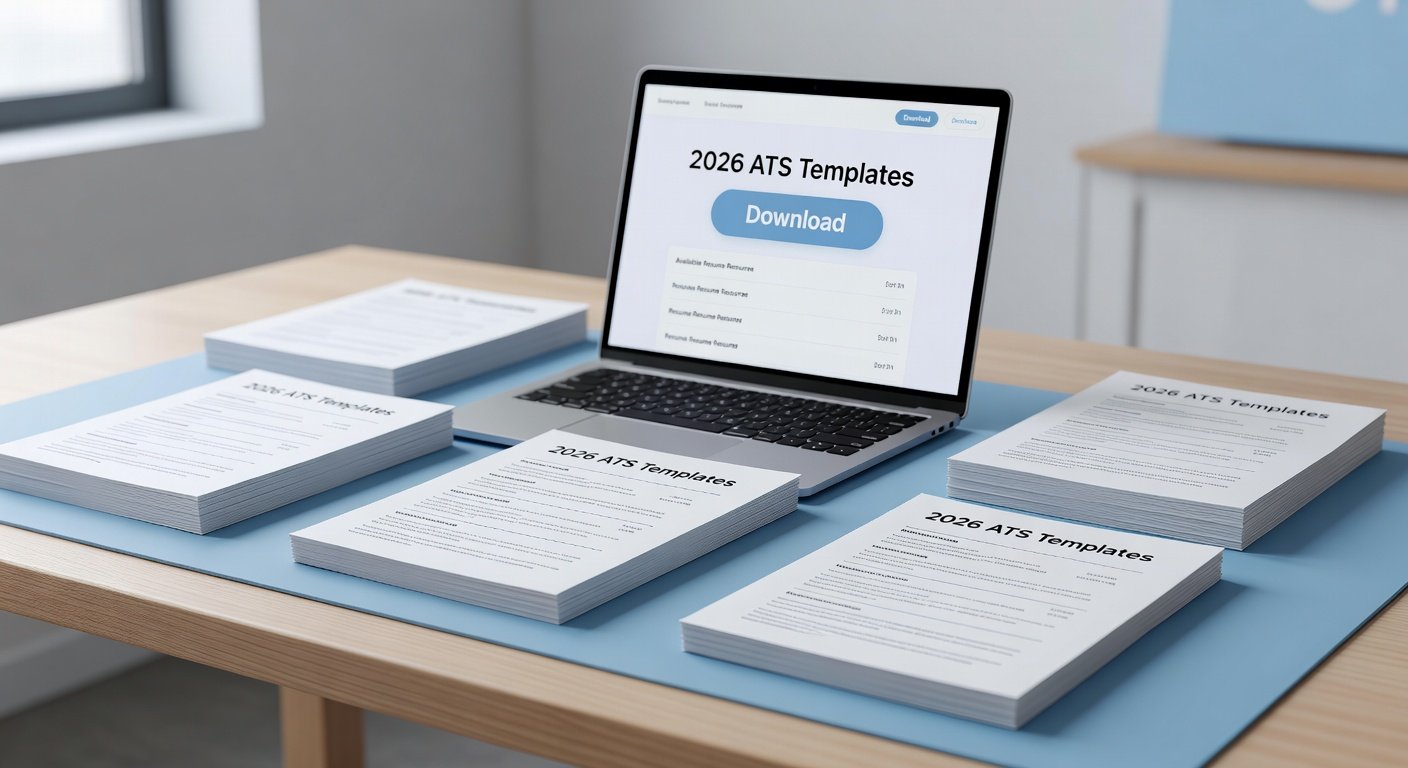
Why ATS-Optimized Resume Templates Matter in 2026
Job seekers in 2026 face increasingly sophisticated applicant tracking systems that scan resumes for keywords, formatting, and structure before any human review. Using ATS-ready templates ensures your application passes these automated filters while presenting a clean, professional look to recruiters. These free downloads are designed with standard fonts, clear headings, and logical layouts that parse correctly across major platforms.
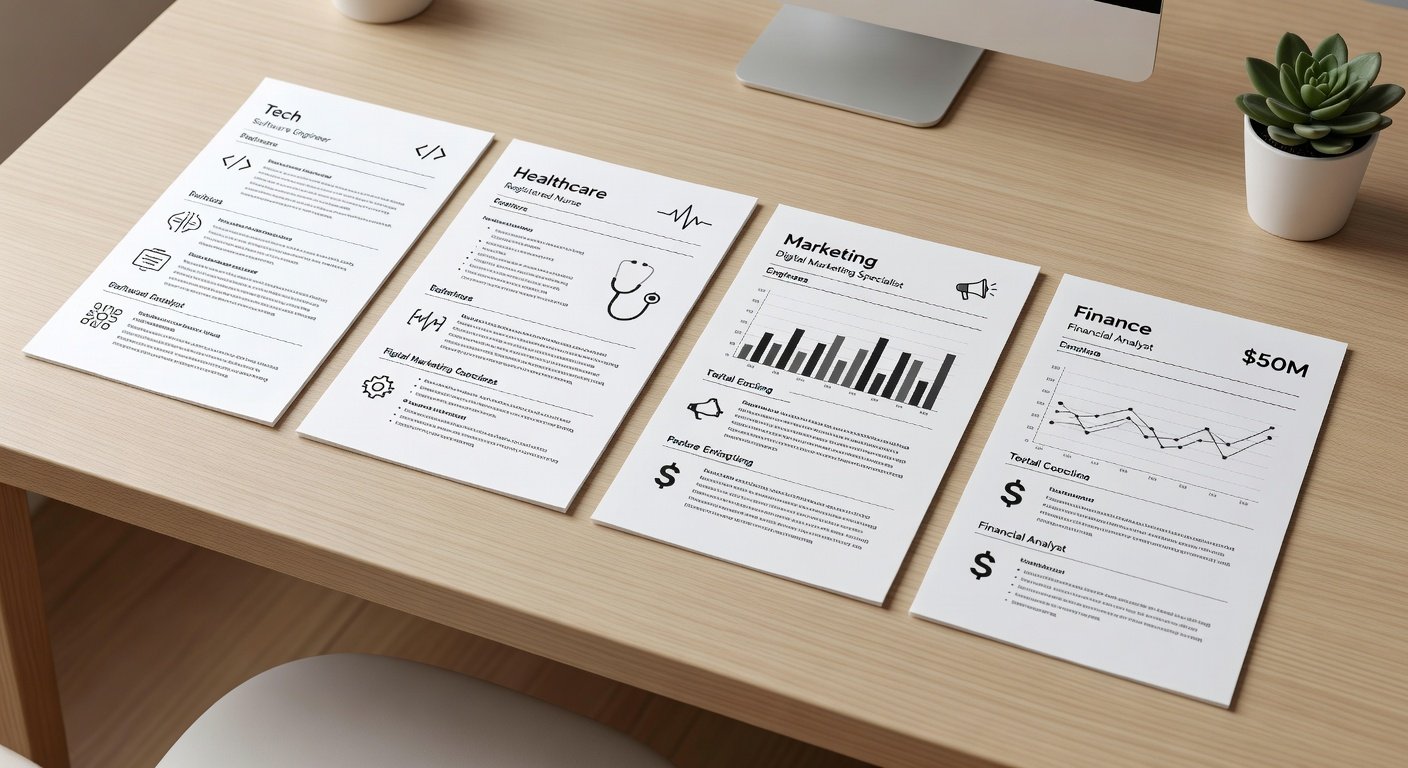
Whether you are an entry-level candidate or a seasoned executive, selecting the right template starts with understanding your industry and experience level. Templates tailored to tech emphasize skills sections and project highlights, while finance versions prioritize quantifiable achievements and certifications.
Choosing Templates by Experience Level
Entry-level applicants benefit from simple, one-page designs that focus on education and internships. Mid-career professionals should look for templates with dedicated experience blocks that allow detailed bullet points. Senior roles often require multi-page formats to accommodate leadership accomplishments and strategic contributions.
Industry-Categorized Free Templates
Here are nine ATS-optimized templates available as free downloads, grouped by sector:
- Tech: Clean single-column layout with prominent skills cloud and GitHub links.
- Marketing: Bold header with campaign metrics and creative portfolio section.
- Finance: Traditional two-column format highlighting certifications and ROI achievements.
- Healthcare: Emphasis on clinical experience and patient outcomes with HIPAA-compliant phrasing tips.
- Education: Focus on curriculum development and student success data.
- Engineering: Technical skills grid paired with project timelines.
- Sales: Results-driven layout featuring quota attainment and client acquisition stories.
- Human Resources: Leadership and compliance sections with diversity metrics.
- Creative Industries: Balanced design allowing visual elements without compromising ATS parsing.
Each template includes placeholder text and formatting that you can customize in Google Docs or Microsoft Word.
Comparison of Template Features
| Template | Page Length | Key ATS Features | Best For |
|---|---|---|---|
| Tech Pro | 1 page | Keyword-rich skills section, standard headings | Software developers |
| Marketing Impact | 1-2 pages | Quantifiable metrics placeholders | Digital marketers |
| Finance Ledger | 2 pages | Certification blocks, clean tables | Accountants |
| Healthcare Pulse | 1 page | Clinical keywords, outcome bullets | Nurses & admins |
Integrating Keywords for ATS Success
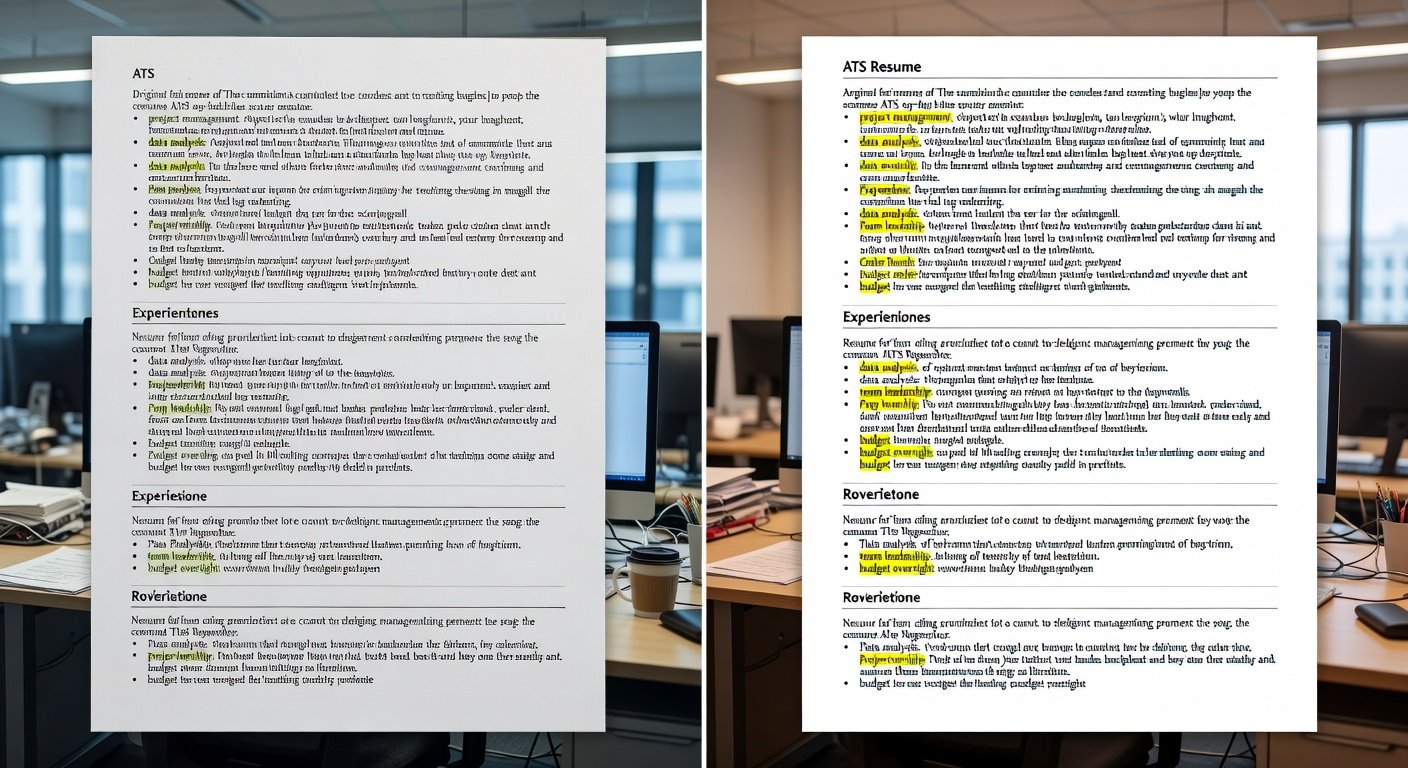
Effective keyword integration begins with analyzing job descriptions. Copy exact phrases such as “project management” or “data visualization” and weave them naturally into your summary, experience, and skills sections. Avoid keyword stuffing, which can trigger ATS flags. Tools from Indeed can help identify high-impact terms for your target roles.
One-Page vs Multi-Page Formats
Most 2026 applications favor one-page resumes for roles requiring under ten years of experience. Multi-page versions suit executives who need space to detail strategic initiatives. Always maintain consistent margins and font sizes of 10-12 pt to ensure readability on both desktop and mobile screens.
Step-by-Step Editing in Google Docs or Word
- Download the template file and open it in your preferred program.
- Replace placeholder text with your personal details, starting from the header.
- Adjust bullet points to begin with action verbs and include metrics where possible.
- Run a spell-check and preview the document in print layout to confirm ATS-friendly structure.
- Export as PDF to preserve formatting when submitting applications.
Before-and-after examples show how shifting from dense paragraphs to concise bullets dramatically improves parsing accuracy.
Mobile Optimization and Final Checks
With many recruiters reviewing resumes on smartphones, ensure your template uses responsive-friendly fonts and sufficient spacing. Test the PDF on a mobile device before sending. Common ATS myths, such as the need for fancy graphics, are debunked in our FAQ section below.
FAQ: ATS Myths and Best Practices
Do ATS systems reject all creative designs? No, modern systems accept simple graphics if text remains extractable; avoid heavy images or text boxes.
Is a one-page resume always required? Not for senior positions where two pages provide necessary depth.
How often should I update keywords? Tailor your resume for each application using the latest job postings.
Additional guidance is available from authoritative career resources such as LinkedIn and CareerOneStop.
Conclusion
Downloading and customizing these free ATS-ready resume templates positions you for success in the 2026 job market. By focusing on industry relevance, keyword strategy, and clean formatting, you increase the likelihood of reaching human recruiters. Start with the template that matches your sector and experience level, then refine it using the steps above for maximum impact.
No comments yet. Be the first!