 Jobboy
Introduction: Why Wearables Matter for Remote Workers in 2026
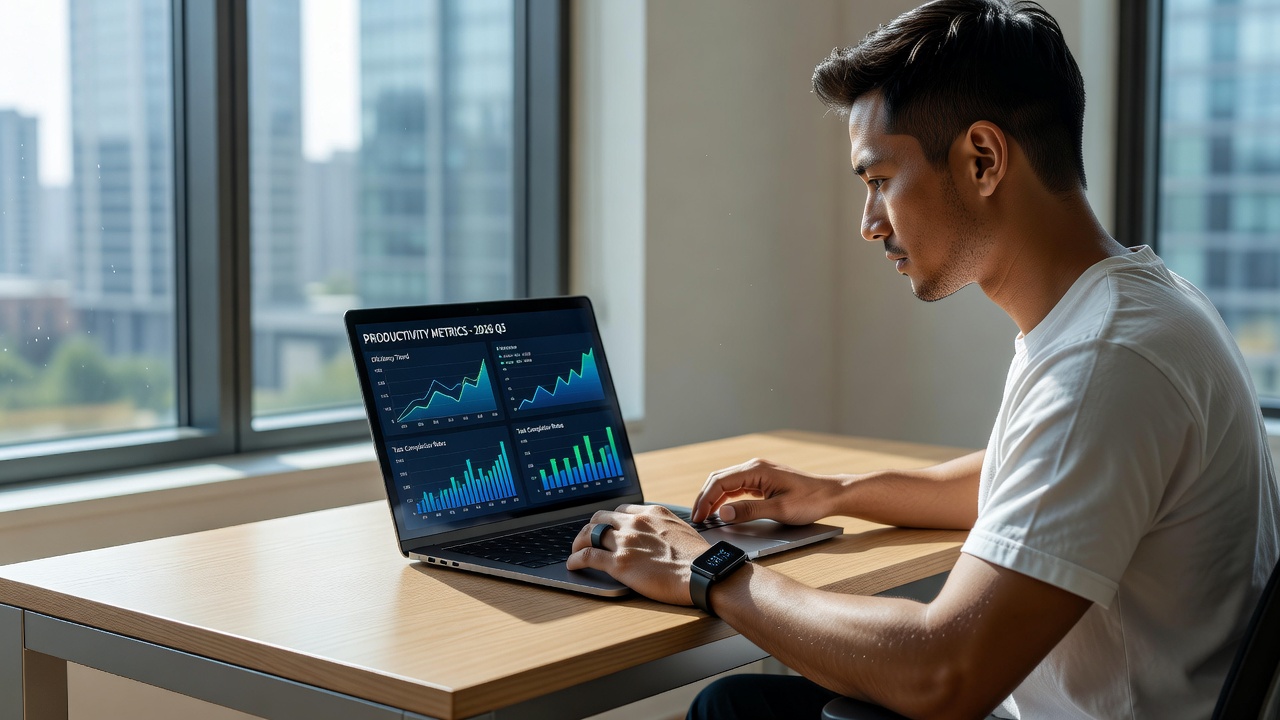
Remote work continues to dominate professional landscapes, with freelancers and digital nomads seeking every advantage to maintain focus and energy. Wearable devices have evolved beyond basic fitness tracking into sophisticated tools that integrate seamlessly with productivity workflows. In 2026, these gadgets offer measurable gains through data-driven insights on sleep, movement, and task alignment. This guide explores actionable hacks tailored for remote professionals, drawing on real-world applications from digital nomads who report sustained productivity improvements. The unstructured nature of freelance schedules often leads to inconsistent energy levels, but wearables provide objective data to refine daily routines. By leveraging sensors for biometric feedback, users can align high-cognitive tasks with natural peaks in alertness, reducing the risk of afternoon slumps that plague home-based workers.
Optimizing Work Schedules with Sleep Tracking
Sleep quality directly influences cognitive performance, decision-making, and sustained attention during long remote sessions. Modern wearables like smart rings and advanced fitness bands use sensors to monitor sleep stages, heart rate variability, and recovery scores. By analyzing patterns, users can identify optimal work windows that align with peak alertness periods. For example, a digital nomad based in Southeast Asia uses sleep data to shift high-focus tasks like client calls to mornings after consistent 7-8 hour recoveries. Another freelancer in Europe tracks weekly trends to adjust for jet lag during travel, ensuring client deadlines are met without compromising rest. Step-by-step setup begins with pairing your device via its companion app, enabling continuous monitoring, and reviewing nightly reports for trends. Set custom alerts for bedtime consistency to build routines that support 2026 hybrid schedules. Track metrics such as sleep efficiency percentage and REM duration to correlate with daily output. This approach prevents burnout common in unstructured freelance environments. Users should export data monthly to identify seasonal patterns, such as reduced deep sleep during high-stress project phases, allowing proactive schedule adjustments.
Posture and Movement Reminders to Combat Fatigue
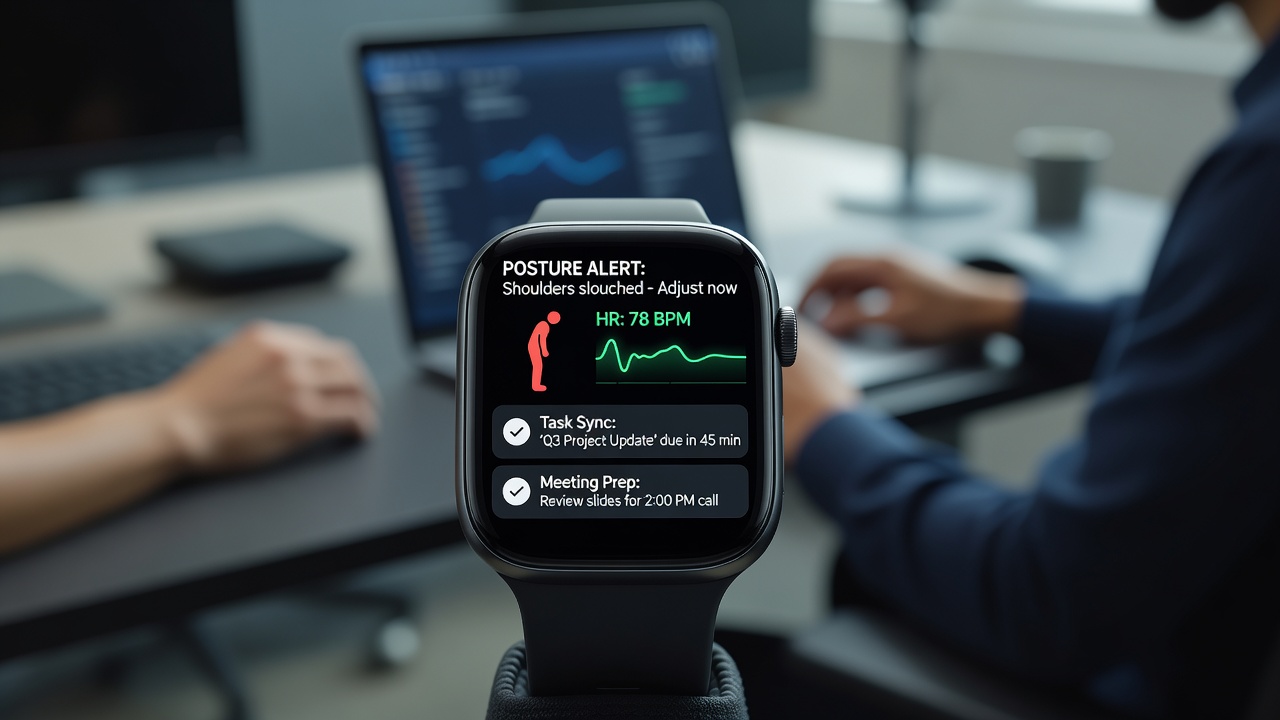
Prolonged sitting at home desks leads to fatigue and reduced output. Wearables now deliver real-time haptic feedback for poor posture and inactivity prompts every 45-60 minutes. These reminders integrate with ergonomic principles recommended by health authorities. The CDC guidelines emphasize regular movement to reduce musculoskeletal risks, while the World Health Organization highlights the long-term benefits of breaking sedentary behavior for overall well-being. Configure your device to vibrate on slouching detection or after sedentary periods, prompting stretches or walks. Real-world examples include nomads who pair devices with standing desk timers, achieving higher energy levels throughout the day. One user in Latin America reported a 25 percent increase in afternoon focus after implementing hourly movement nudges synced with wearable data. Practical setup involves enabling posture sensors in the device settings, customizing vibration intensity and frequency based on your workflow, syncing with calendar apps to avoid interruptions during meetings, and reviewing weekly posture reports for improvement areas. These small interventions compound over time, supporting sustained remote productivity without the need for expensive ergonomic overhauls.
Integrating Wearables with Task Management Apps
Seamless connections between wearables and tools like Todoist or Notion allow productivity data to influence task prioritization. Heart rate and stress indicators can trigger focus modes or reschedule demanding projects during low-energy periods. In 2026, API integrations have improved, enabling automated workflows. A freelancer might set rules where elevated stress readings pause notifications, preserving deep work time. Explore device ecosystems for native support or third-party bridges to maintain data flow without manual entry. Step-by-step integration starts by authorizing the wearable app to share metrics with your task platform, creating custom tags for low-recovery days, and testing automation rules over a two-week period. Digital nomads often combine this with calendar blocking, using recovery scores to protect creative blocks. This level of integration turns passive tracking into active productivity management, helping users avoid overcommitment during recovery dips.
Comparing Popular Wearables: Smart Rings vs. Fitness Bands
Smart rings excel in discreet 24/7 tracking with strong battery life and sleep accuracy, ideal for nomads avoiding bulky devices. Fitness bands offer larger displays for quick metric glances and robust movement coaching. Digital nomads often test both: rings for subtle monitoring during travel, bands for gym-adjacent reminders. Pros of rings include water resistance for all-day wear and minimal charging needs, while bands provide visual dashboards and easier app navigation. Choose based on lifestyle—rings for minimalism, bands for interactive feedback. Both categories now support 2026 trends like AI-driven insights for personalized productivity coaching. Real examples show nomads switching between devices seasonally, using rings in hot climates for comfort and bands in structured office-like setups for detailed alerts. Evaluate battery life claims and sensor accuracy through user forums before committing to a primary device.
Key Productivity Metrics to Track
Use these metrics to iterate on routines, aiming for incremental gains like improved output consistency. Daily recovery scores correlated with task completion rates help identify when to front-load complex work. Activity levels versus focus session durations reveal optimal break patterns. Stress trends during peak work hours guide mindfulness interventions. Consistency in sleep-wake cycles over 30-day periods builds sustainable habits. Export these insights quarterly to refine freelance contracts and workload distribution, ensuring long-term career viability in remote environments.
Common Mistakes to Avoid with Wearable Productivity Tools
Many remote workers overlook data privacy settings, leading to unnecessary sharing of personal metrics. Always review permissions before enabling cloud sync features. Another frequent error is ignoring device calibration, which can skew posture or sleep readings. Take time to follow manufacturer tutorials for accurate baseline establishment. Over-reliance on notifications without customization can disrupt deep work, so test alert frequencies in low-stakes weeks first. Finally, neglecting to correlate wearable data with actual output logs misses opportunities for meaningful adjustments.
Frequently Asked Questions
How does data privacy work with these devices?
Most manufacturers allow granular control over data sharing. Review permissions in app settings and opt for local processing where possible to minimize cloud uploads.
Are wearables suitable for all remote work types?
Yes, but customization is key. Creative professionals benefit more from movement prompts, while analysts prioritize sleep optimization.
What 2026 trends should users watch?
Enhanced AI personalization and better cross-platform integrations stand out, delivering quicker setup wins.
Can wearables replace traditional productivity methods?
They complement rather than replace techniques like time blocking, providing the biometric foundation for smarter scheduling decisions.
Conclusion
Implementing these wearable strategies equips remote workers with data-backed edges for 2026 success. Start small with one feature, measure results, and expand for compounding productivity benefits over months of consistent use.

No comments yet. Be the first!