 Jobboy
Introduction to Advanced Workflow Optimization in 2026
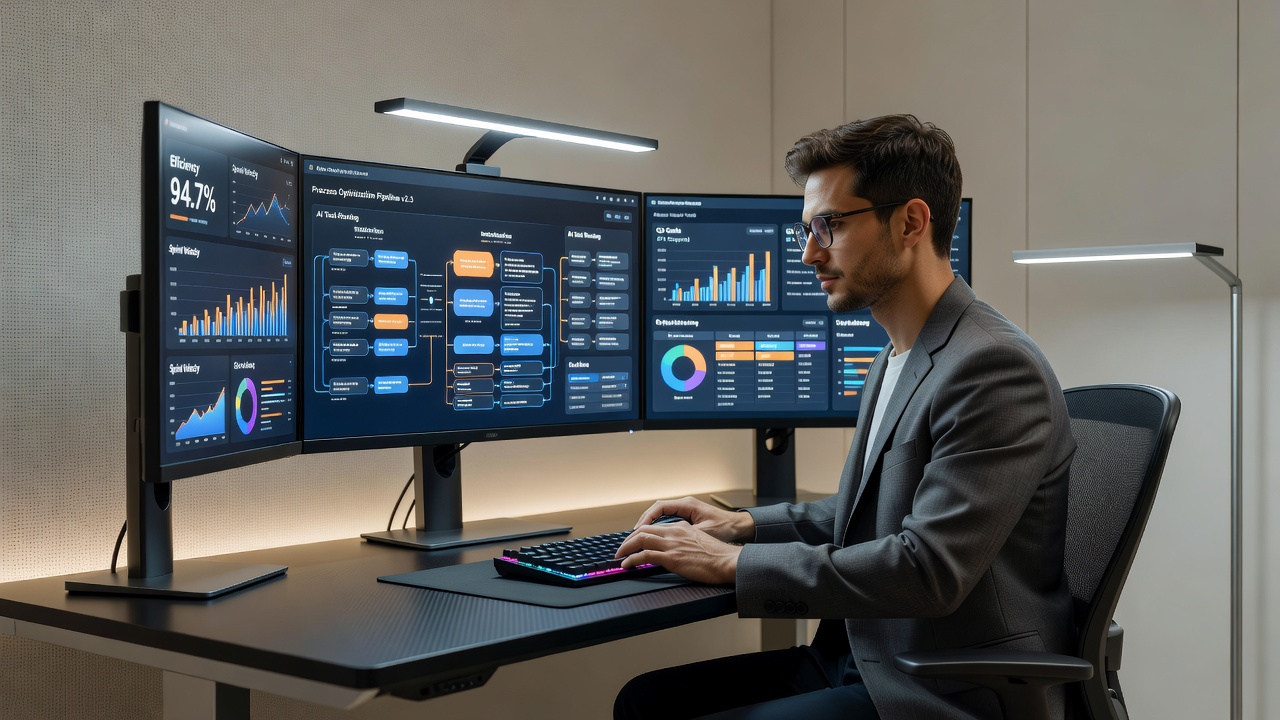
Experienced remote freelancers in 2026 face increasing demands for efficiency as client expectations rise and project complexity grows. Basic tools like calendars and email are no longer sufficient. This guide explores proven methods to refine daily operations through non-AI productivity systems, precise client handoff processes, and custom personal dashboards drawn from real 2026 setups. By implementing structured workflow audits and automation sequences, freelancers can reduce administrative time by significant margins while improving output quality. We will cover three detailed workflow audits, stack comparisons, and metrics tracking frameworks that have been tested across multiple industries including software development, content creation, and consulting.
The search for productivity scaling often begins with understanding how to integrate reliable systems that do not rely on artificial intelligence. These approaches emphasize consistency, manual oversight, and data-driven decisions. Real-world examples from freelancers operating in 2026 show that those who invest time in refining these elements report higher client retention rates and more predictable income streams. Throughout this article, we provide step-by-step implementation guides and comparisons to help you build a system tailored to your needs.
Integrating Non-AI Productivity Systems
Non-AI systems remain foundational for reliable scaling. These include structured task boards, time-blocking templates, and manual review cycles that avoid dependency on emerging AI features. For instance, combining a Kanban-style board with recurring review rituals helps maintain focus without algorithmic suggestions. Start by mapping your core tasks to fixed categories such as client deliverables, admin, and skill development. Use templates that enforce weekly reviews to identify bottlenecks early. One experienced freelancer in digital marketing uses a physical notebook alongside digital boards to log daily priorities, ensuring nothing slips through during high-volume weeks. This hybrid approach prevents over-reliance on any single platform and allows for quick adjustments when client demands shift unexpectedly.
Further integration involves creating custom checklists for recurring tasks. These checklists can be printed or stored in a simple text file and updated quarterly based on project feedback. The goal is to create repeatable processes that free mental energy for creative work rather than constant decision-making.
Refining Client Handoff Processes
Effective client handoffs prevent scope creep and ensure seamless project transitions. In 2026, top freelancers use standardized checklists that include deliverable summaries, revision logs, and next-step outlines delivered via shared project hubs. Key steps include documenting all assets in one location, setting clear approval timelines, and scheduling a 15-minute debrief call. This approach has proven to cut follow-up queries substantially in established remote practices. For example, a freelance graphic designer maintains a master folder structure with subfolders for drafts, finals, and source files, accompanied by a one-page summary document that outlines usage rights and contact points for future questions.
Another refinement is the inclusion of a feedback loop where clients rate the handoff process itself. This data feeds into quarterly reviews to iteratively improve templates. By treating handoffs as a distinct phase rather than an afterthought, freelancers reduce errors and build stronger long-term relationships.
Building Personal Dashboards with 2026 Examples
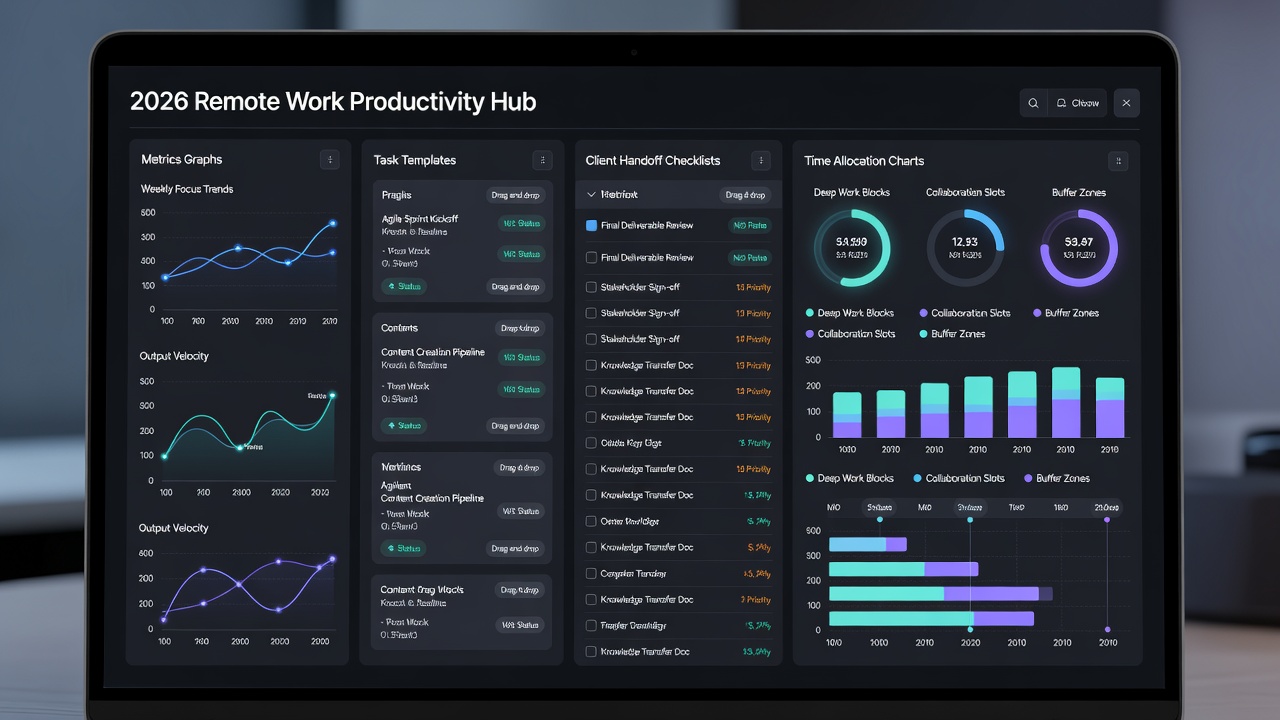
Personal dashboards aggregate key metrics such as billable hours, project completion rates, and client satisfaction scores. Real 2026 setups often feature customizable views pulling from multiple sources into a single overview screen. Examples include tracking weekly output against quarterly goals using simple spreadsheet integrations or dedicated dashboard tools. One freelancer reported maintaining a dashboard that flags when non-billable time exceeds 25% of the week, prompting immediate adjustments. Another setup uses color-coded indicators for upcoming deadlines and revenue projections, allowing quick visual assessment during morning planning sessions.
To build your own, begin with core metrics that align with business goals and add layers only after the basics are stable. This prevents information overload while providing actionable insights at a glance.
Three Workflow Audits: Step-by-Step Implementation
Audit 1: Time Allocation Review
Conduct this audit monthly. Log every activity for one week using a simple timer app. Categorize entries and calculate percentages. Identify tasks consuming over 30% of time that could be templated or delegated. In practice, many freelancers discover that email management alone accounts for disproportionate hours; creating response templates and batching checks to twice daily often yields immediate gains. Expand the audit by breaking down each category into sub-tasks and noting emotional energy levels associated with them. This qualitative layer helps prioritize which processes to automate or outsource first.
Audit 2: Client Handoff Evaluation
Review the last three completed projects. Score each handoff on clarity, completeness, and client response time. Refine templates based on recurring issues like missing files or unclear instructions. A practical example involves comparing handoff success rates before and after implementing a standardized checklist; one consultant saw a 40% reduction in revision requests after adding asset verification steps. Include client interviews in this audit to capture subjective experiences that numbers alone miss.
Audit 3: Metrics Tracking Assessment
Examine your dashboard data quarterly. Compare actual billable ratios against targets and adjust automation sequences accordingly. Focus on measurable ROI such as hours saved per week. Advanced practitioners also analyze trends across multiple quarters to spot seasonal patterns, such as increased admin time during tax preparation periods. This audit often reveals opportunities to introduce new templates or refine existing ones for greater impact.
Comparisons of Popular Remote Stacks
When selecting tools, compare options like Notion for all-in-one management versus specialized platforms. Notion excels in flexible templates but may require more setup time. Airtable offers stronger database features for client tracking, while Zapier handles basic automations across apps. A detailed comparison shows that teams handling complex client data benefit more from Airtable's relational capabilities, whereas solo operators prefer Notion's wiki-style organization for quick reference.
Another comparison involves project management: Asana provides robust timelines suitable for complex client work, whereas Trello remains simpler for visual freelancers. Choose based on your project volume and need for integrations. Additional authoritative resources on labor and productivity trends can be found at the Bureau of Labor Statistics, the U.S. Census Bureau, and the U.S. Department of Labor.
Implementing Automation Sequences
Beyond basic tools, create sequences that trigger automatically after specific events, such as project completion or invoice payment. For instance, a sequence might archive completed tasks, update dashboard metrics, and send a follow-up email template. Document each sequence in a central log to allow periodic reviews and refinements. This methodical approach ensures sequences remain relevant as your business evolves.
Common Pitfalls and Measurable ROI Benchmarks
Tool overload often arises from adding too many automations without auditing their value. Limit new tools to those solving specific, recurring problems and review usage monthly. ROI benchmarks include aiming for at least 10 hours saved weekly through refined processes, tracked consistently over a quarter. Focus on qualitative gains like reduced stress alongside quantitative metrics. Tracking these benchmarks helps demonstrate the value of optimization efforts to yourself and potential clients.
Conclusion
Advanced workflow optimization empowers remote freelancers to handle more clients without proportional increases in effort. By mastering audits, handoffs, and dashboards, professionals position themselves for sustainable growth in 2026 and beyond.
FAQ
How do I avoid tool overload in my stack?
Begin with an audit of current tools and eliminate any that overlap in function. Test new additions for two weeks before committing.
What ROI benchmarks should freelancers target?
Track hours saved and revenue per hour. Successful setups often show 15-20% efficiency gains within the first three months of implementation.
Are non-AI systems still relevant in 2026?
Yes, they provide reliable foundations that complement selective automation without introducing complexity or dependency risks.
How often should workflow audits be performed?
Monthly time audits combined with quarterly dashboard and handoff reviews create a balanced cadence that catches issues before they compound.
What is the best starting point for building a personal dashboard?
Identify three core metrics that directly impact your income and satisfaction, then expand gradually as comfort with the system increases.


No comments yet. Be the first!